
EditFast
18 tools · one panel inside Premiere

18 tools that speed up the edit a pro editor powered by AI

An AI editor that edits the whole video inside Premiere from your words — it cuts the repeats and silences, opens on a strong hook, adds captions, animated scenes and sounds, and grades the colour. With it come seventeen tools that speed up every step.

They cut the silences, transcribe in 17 languages, drop captions timed to the word, and animate with keyframes you can still edit — all from one panel, without leaving Premiere.

Windows and Mac Premiere 2022 and newer Your footage stays on your machine
New

EditFast AI

Tool no. 16

Tell it what you want in plain words — it decides what the video needs and picks the style itself, then edits inside Premiere. You just watch.

  • A strong hook from the first second
  • Animated scenes in your style
  • Cuts repeats & silences
  • Captions & sounds on the word
  • Reels from a long video
  • Pro colour grading new
Get it with your plan See the AI edits ↓ Yearly comes with 300 free credits · lifetime 400
0tools in the panel
0motion presets
0animated titles
0transcription languages
Real results

Videos made with EditFast AI inside the plugin

Full edits, ads and motion from scratch. Tap a video to hear it.

A reel from raw footageFull edit
A reel from raw footageCaptions, 3D motion and music — 53 s
A hook in the first 3 secondsNew motion
A three-second hookWord by word, and a chart that draws itself
A motion from one sentenceMotion from scratch
Motion from one sentenceWrite the idea — out comes the motion
A fast showcase reelPromo reel
A fast promo reelFast pace, calm graphics — 26 s
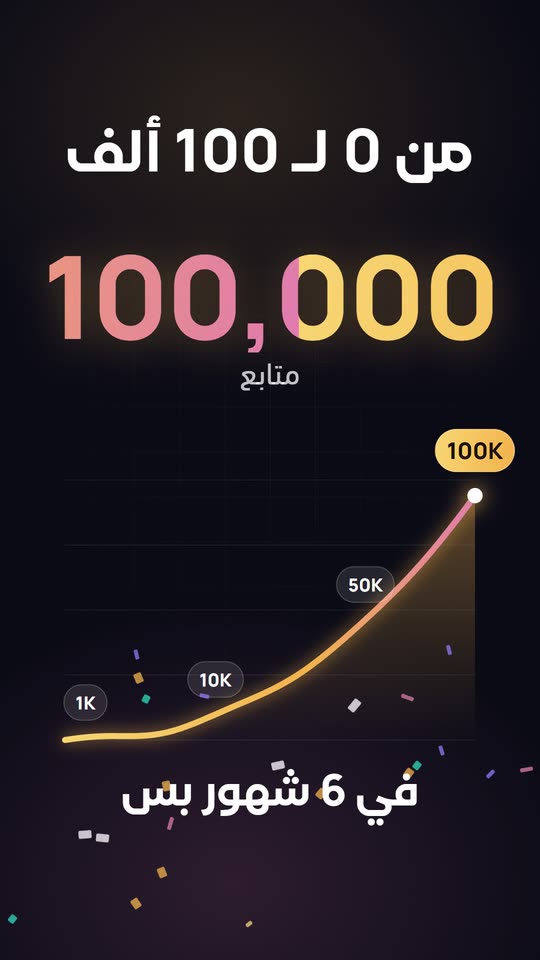
From 0 to 100KNew motion
From 0 to 100KA counter, a curve and a pill at every milestone
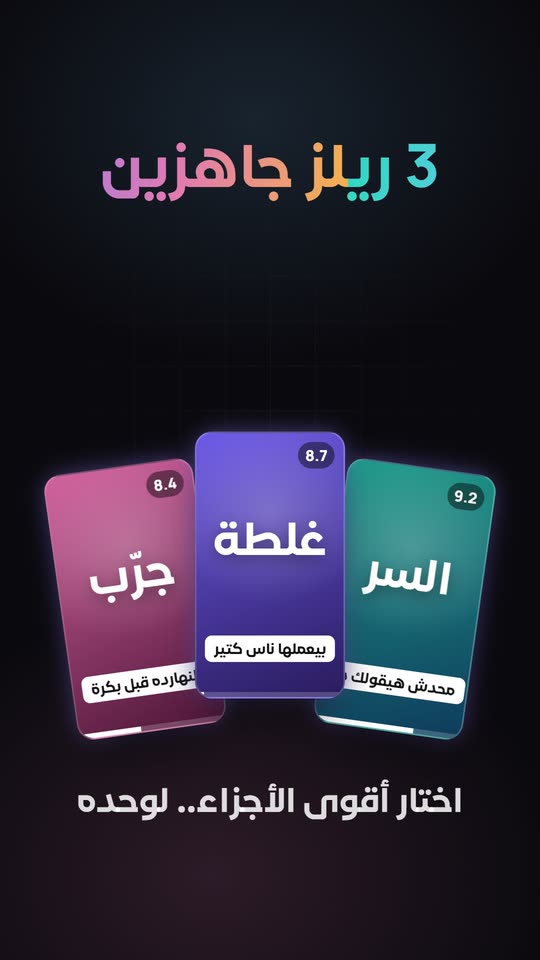
One long video, three reelsNew motion
One long video, three reelsIt reads the video and picks the strongest parts
EditFast for After Effects — the adAd
EditFast for After Effects, the adMotion, transitions and a sound on every move — 30 s
The tools

Each one takes over something you do by hand every day

In the same order as the panel itself.

EditFast AI

AI New

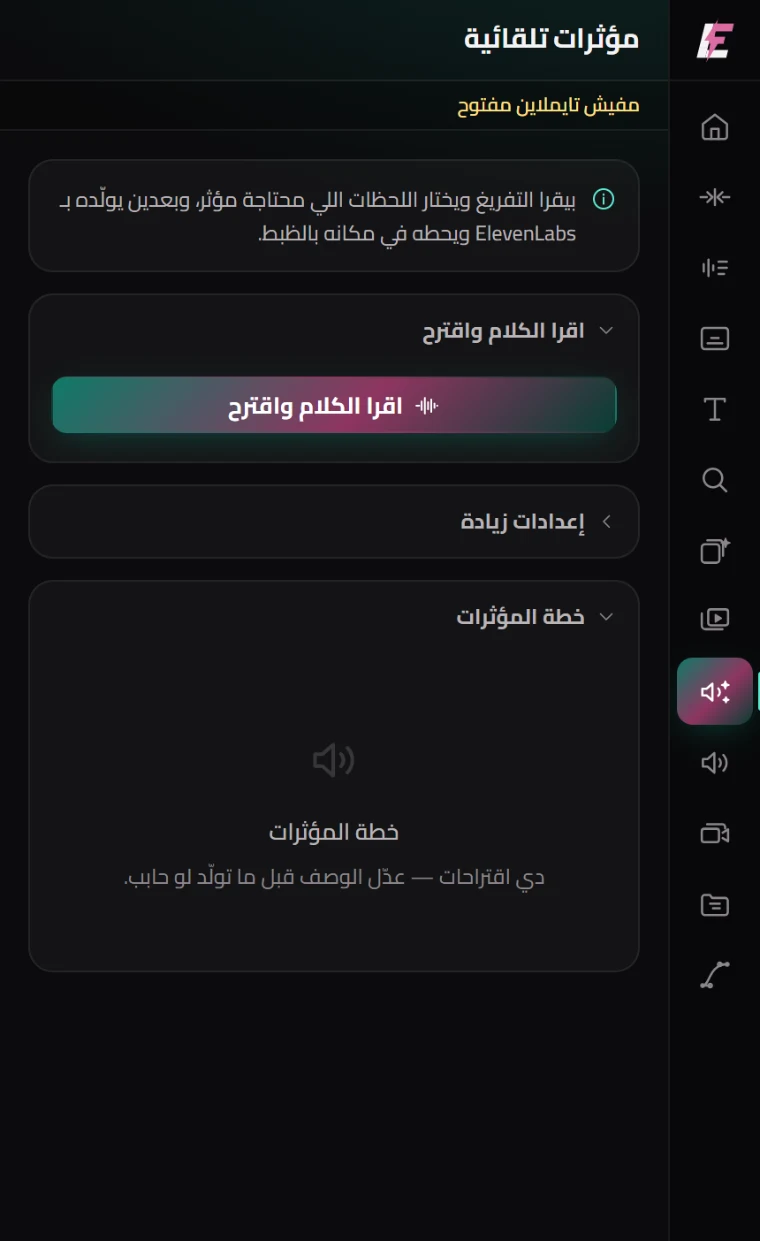
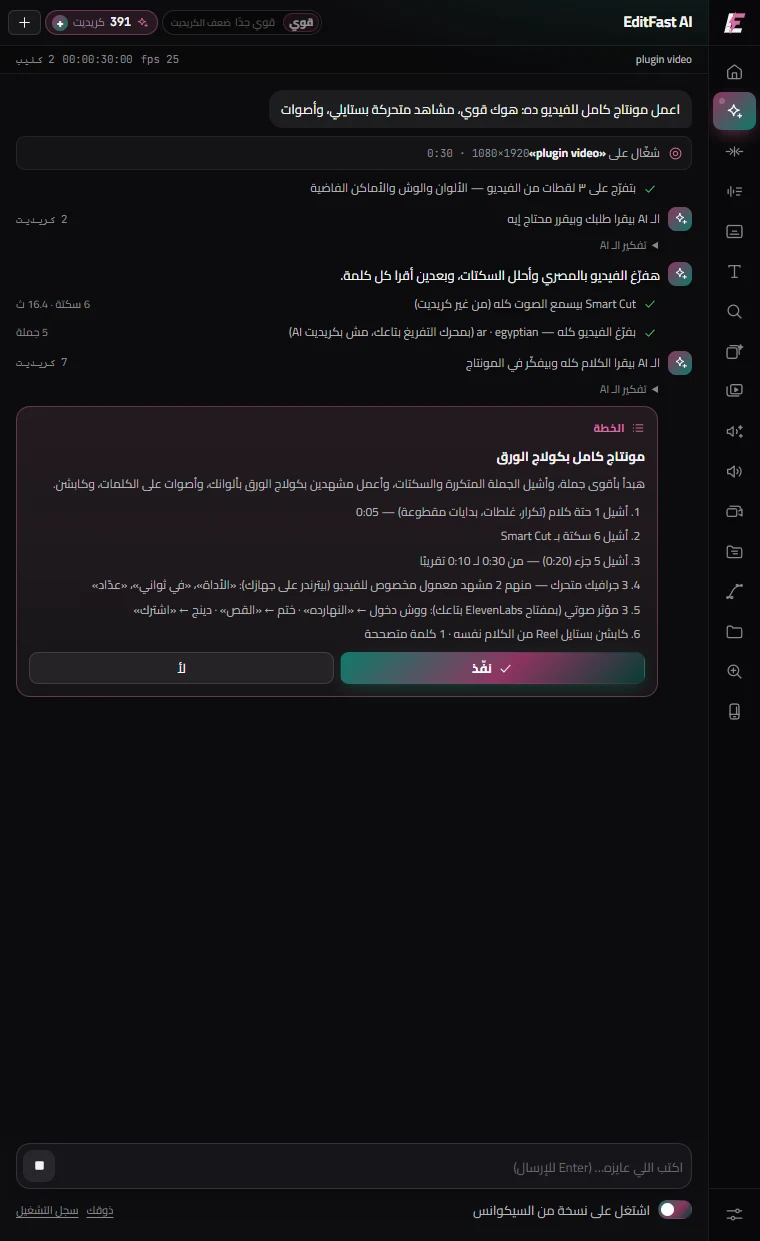
An editor inside the panel. You tell it what you want and it decides what each video needs — cuts the repeats and silences, opens on a strong hook, builds animated scenes, drops captions and sounds on the word, and grades the colour, showing you looks to pick from first. It picks the style itself, from the kind of video.
Motion Gallery

AI New

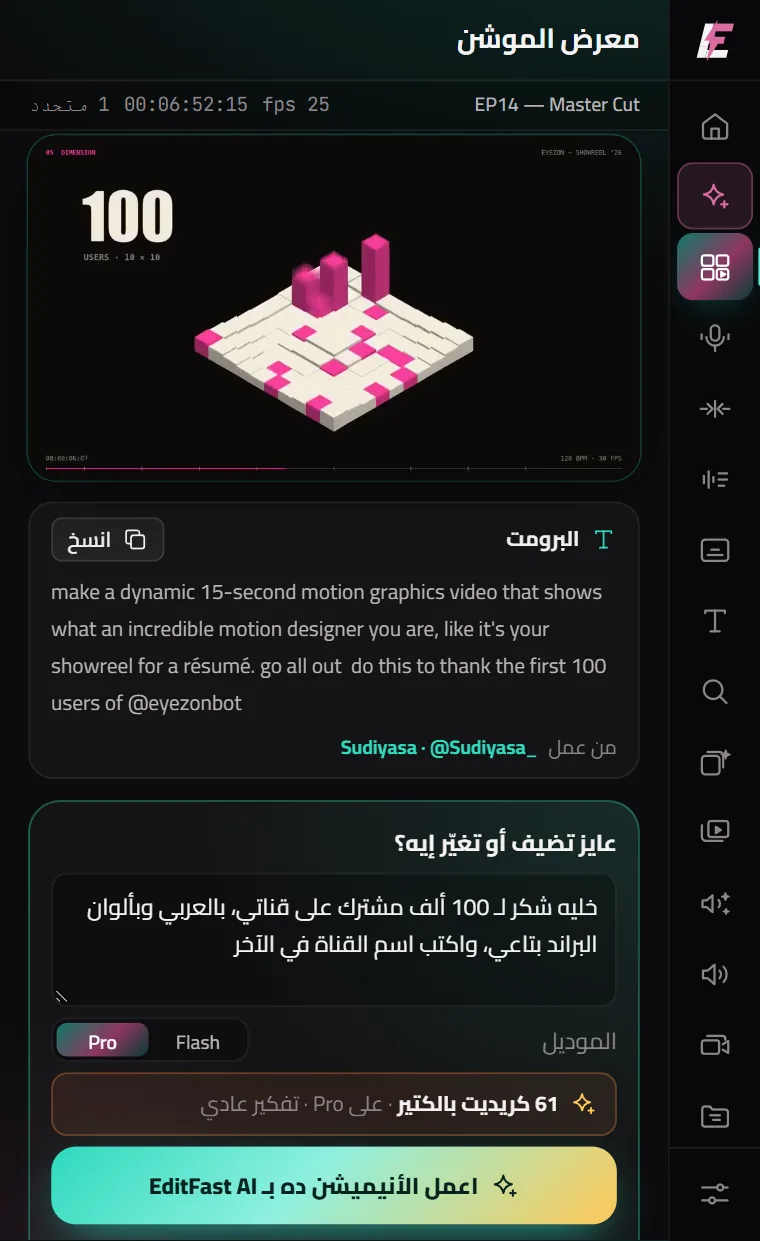
Over 120 motions made by creators with AI, each with its video, its prompt and its maker’s name. Pick one you like, write what to add or change — in your language, in your colours, with your channel’s name — and EditFast AI makes it in your video. You see the most it can cost before it starts.

AI Studio Voice

AI New

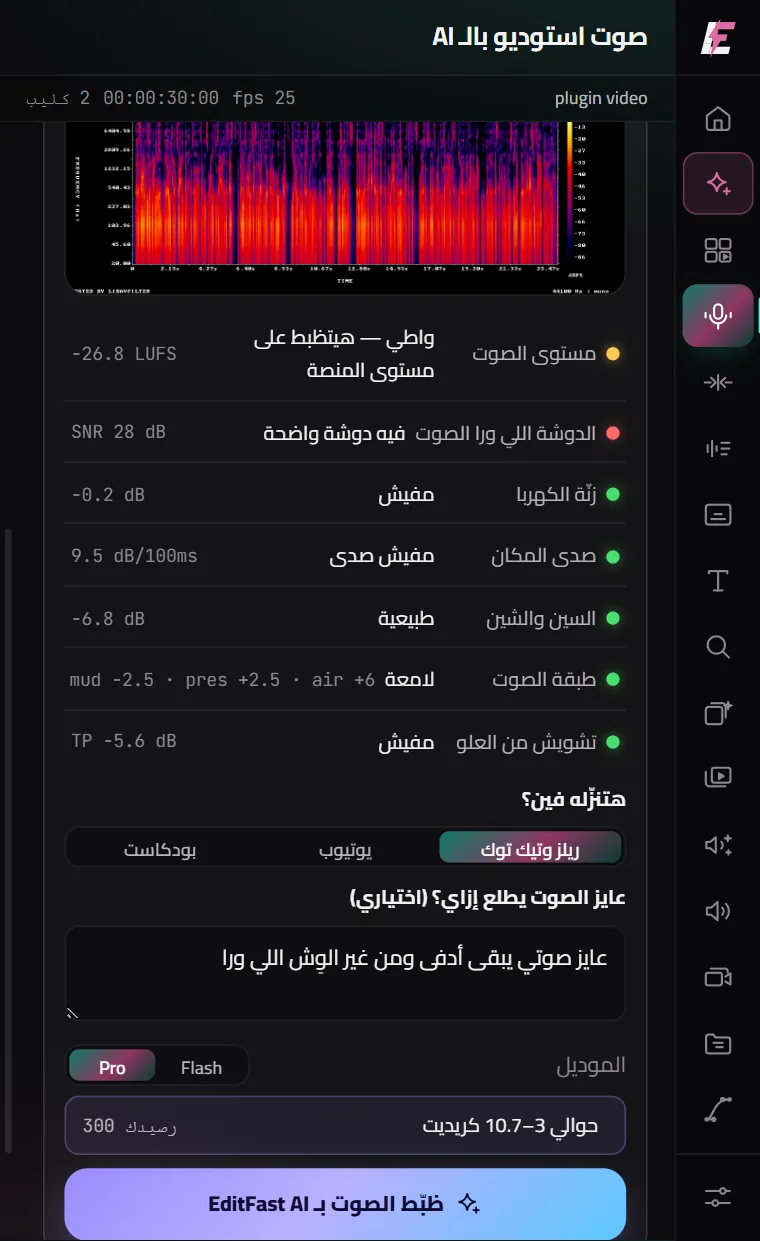
Analyses your voice on your computer for free — loudness, noise, hum, echo, harsh S’s — and tells you in plain words. Then EditFast AI makes it sound like a studio: cleaner, warmer and clearer, at your platform’s loudness (Reels, YouTube or a podcast). You hear it before and after before it goes in, and the original is never deleted.

Smart cut

Offline

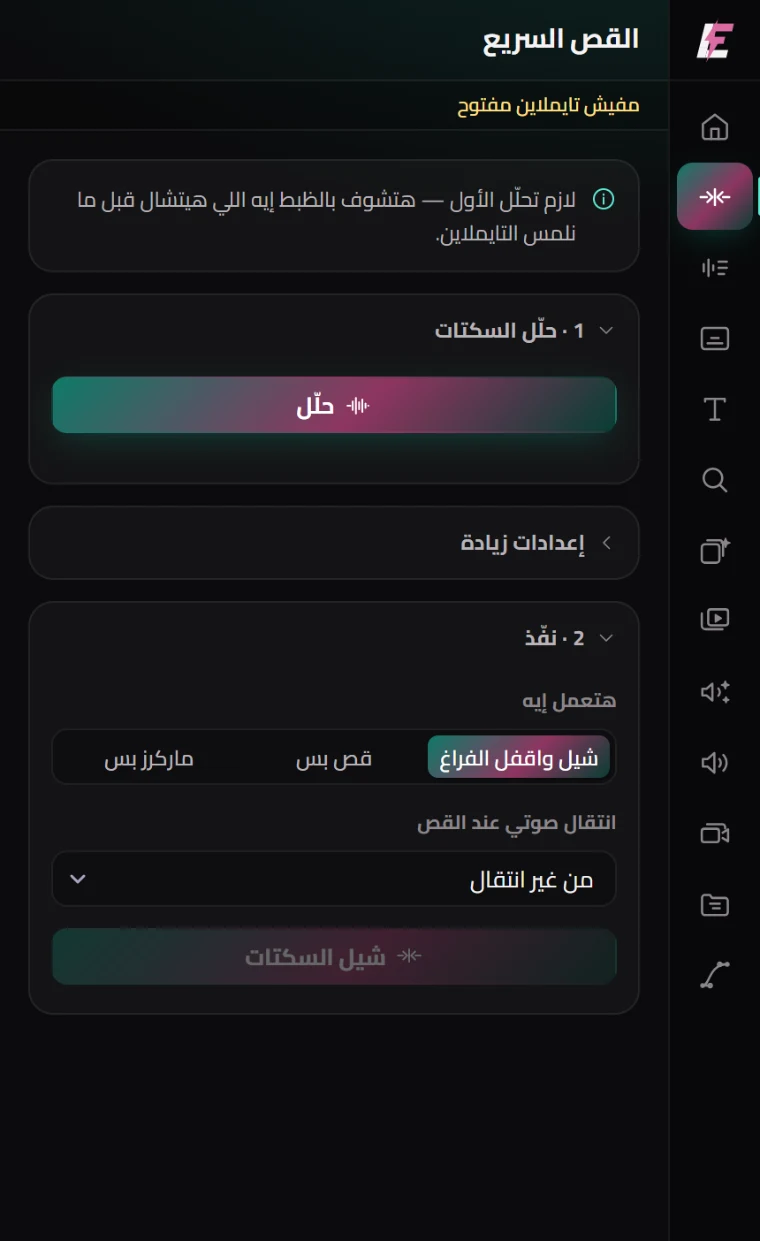
Listens to the audio, finds every silence, removes it and closes the gap. Tune the sensitivity, and add an audio transition at each cut so the join does not click.

Transcription

AI

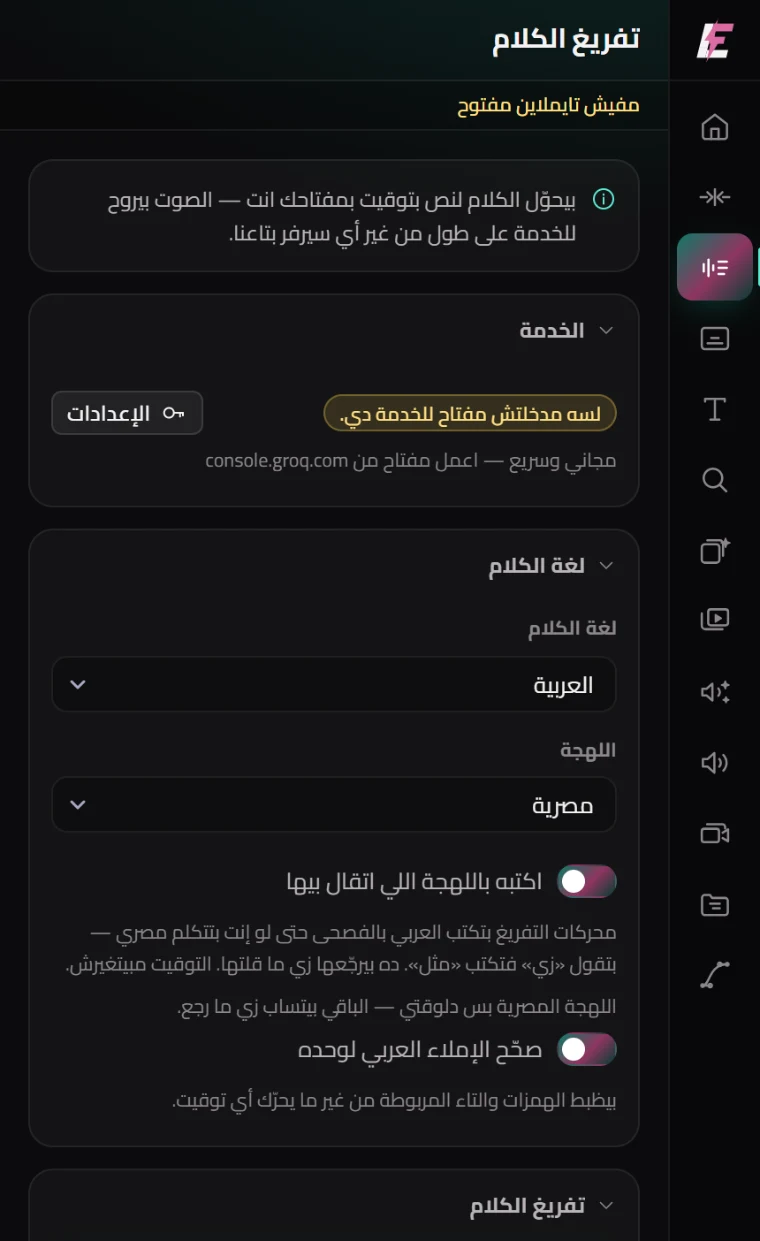
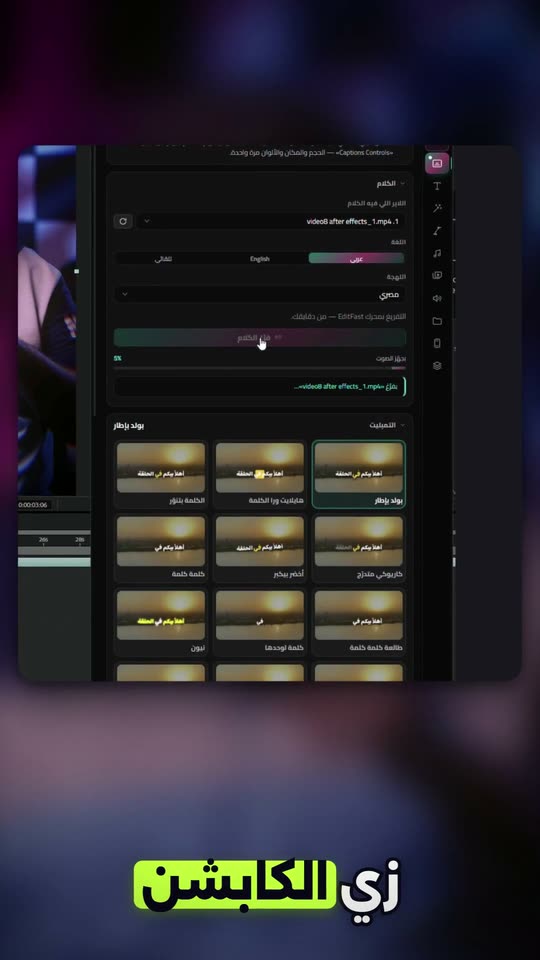
Transcribes 17 languages with a timing for every word — not per sentence — and seven dialects for Arabic. Spelling is corrected afterwards automatically.

Captions

AI

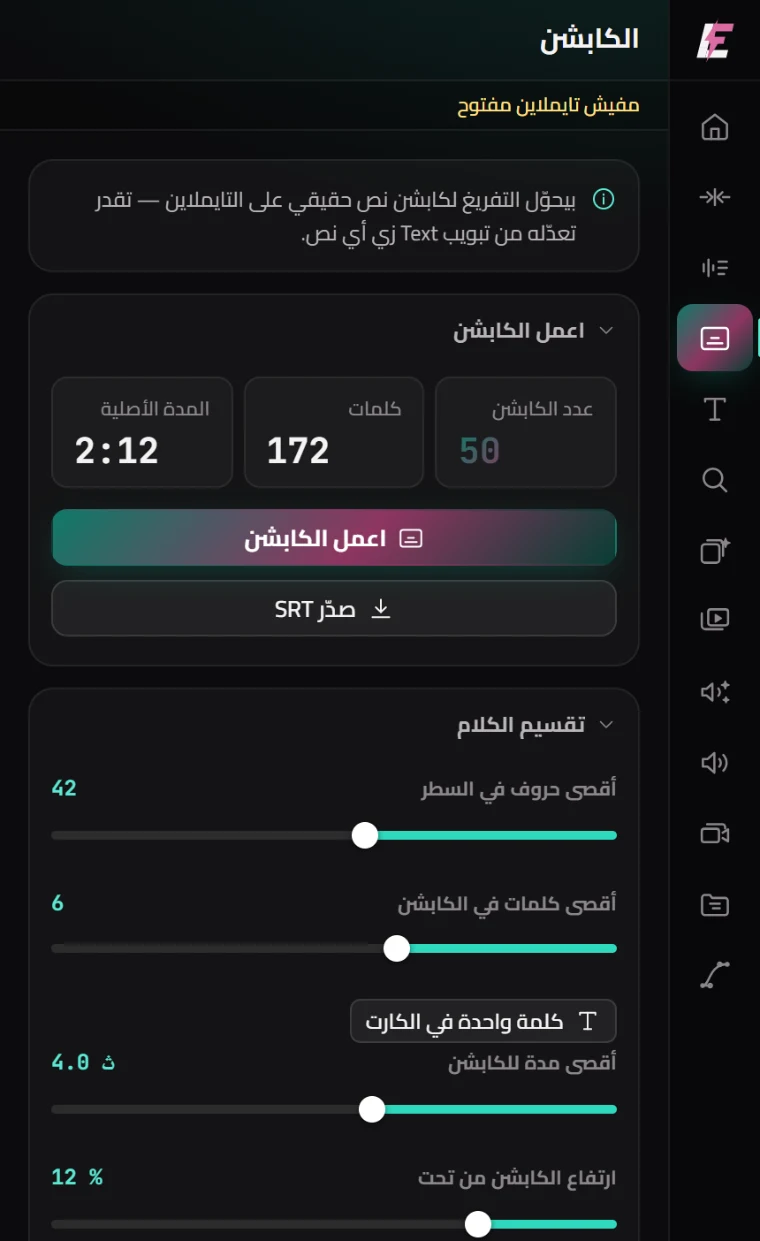
Drops onto the timeline as SRT you edit from the Text tab like any other caption. Control word count and duration, with a one-word-at-a-time mode.

Motion presets

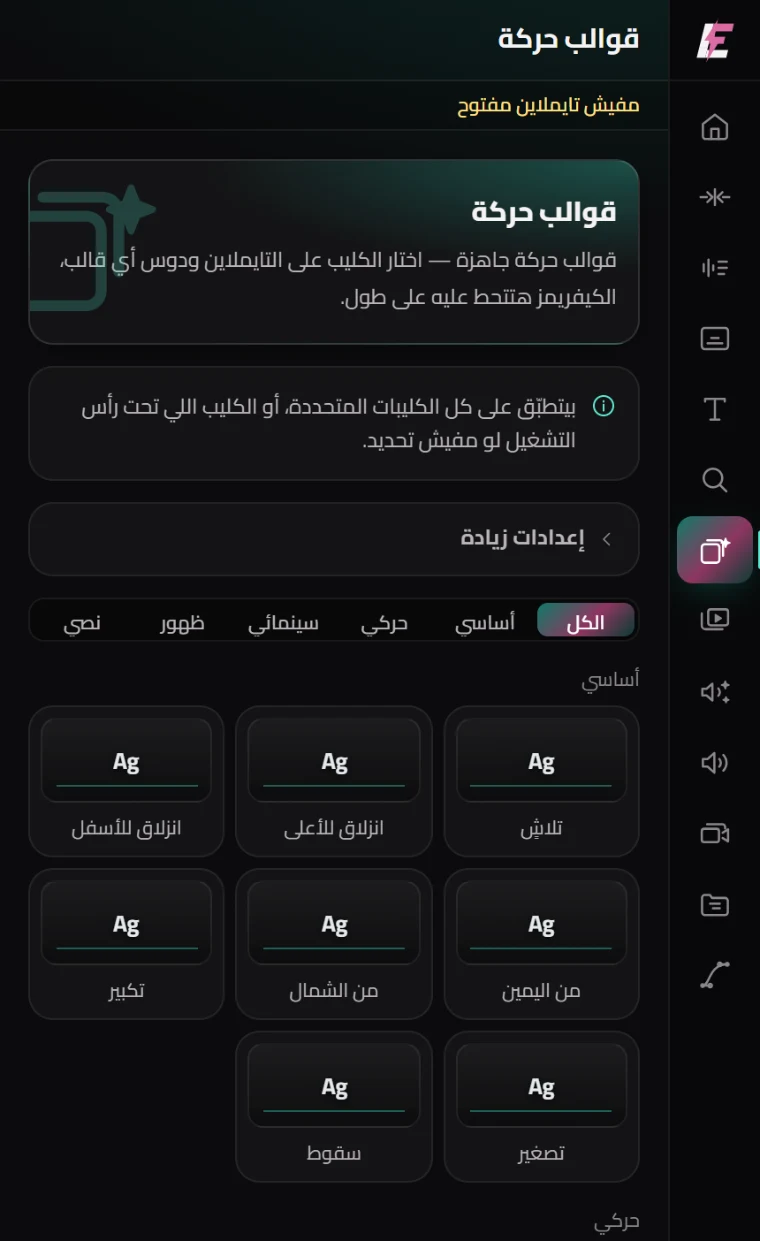
28 presets that write real keyframes onto Transform — open them in Effect Controls and change them. Three strength levels.

Animated titles

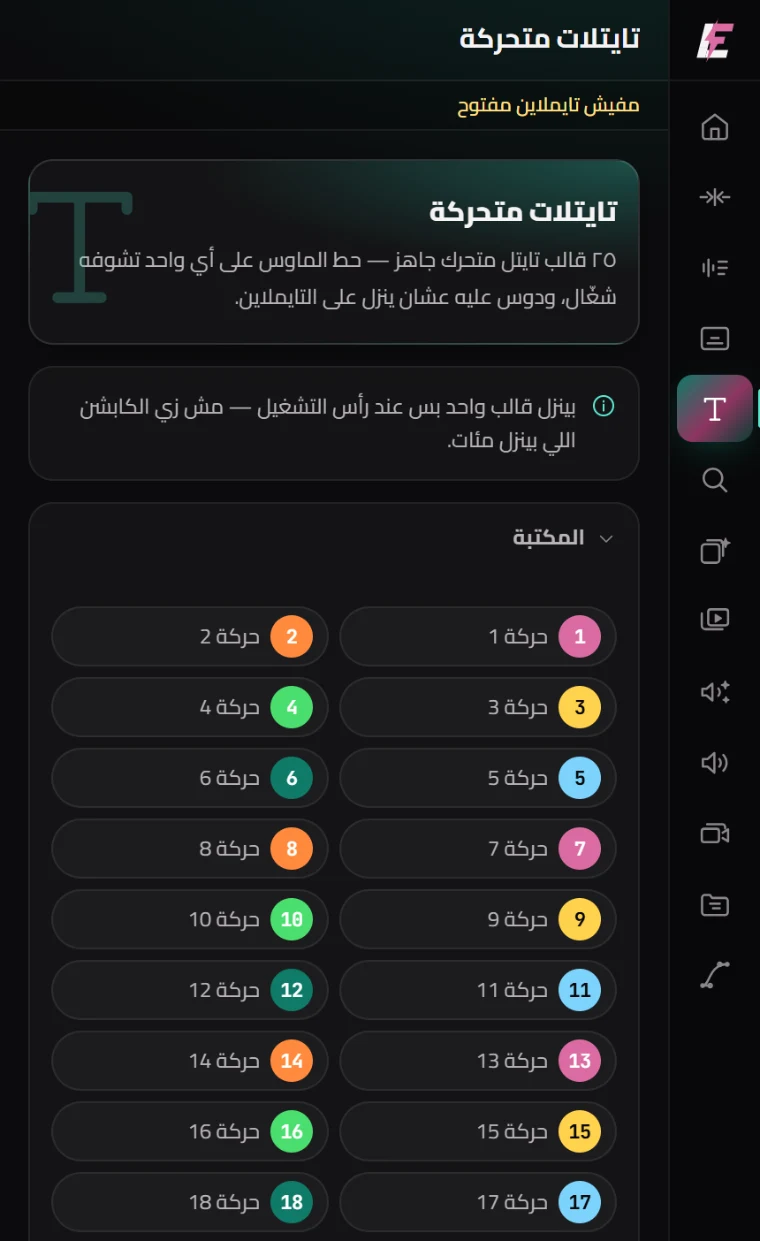
25 ready titles. Pick one and it lands at the playhead; edit its text from Essential Graphics like any other graphic.

Search & markers

New

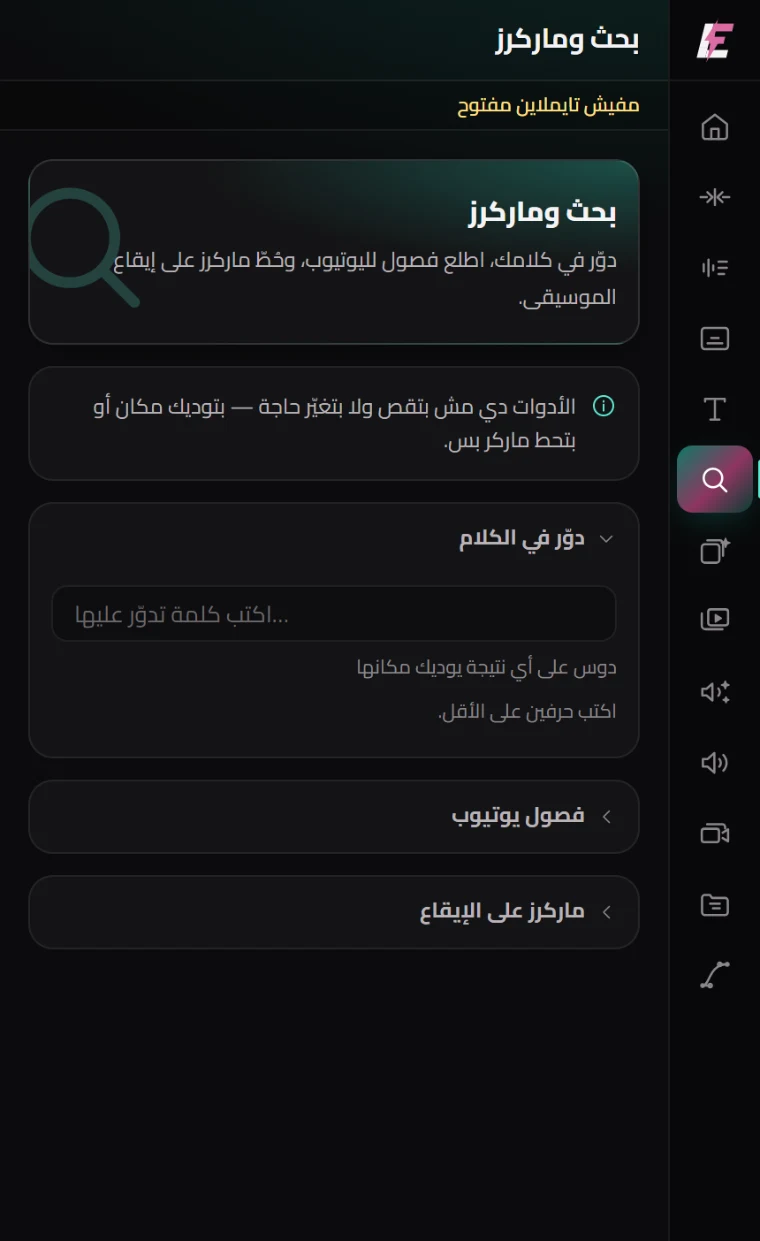
Search any word in the video and it takes you there. Generate YouTube chapters from the speech, and drop markers on the music beat.

B-Roll library

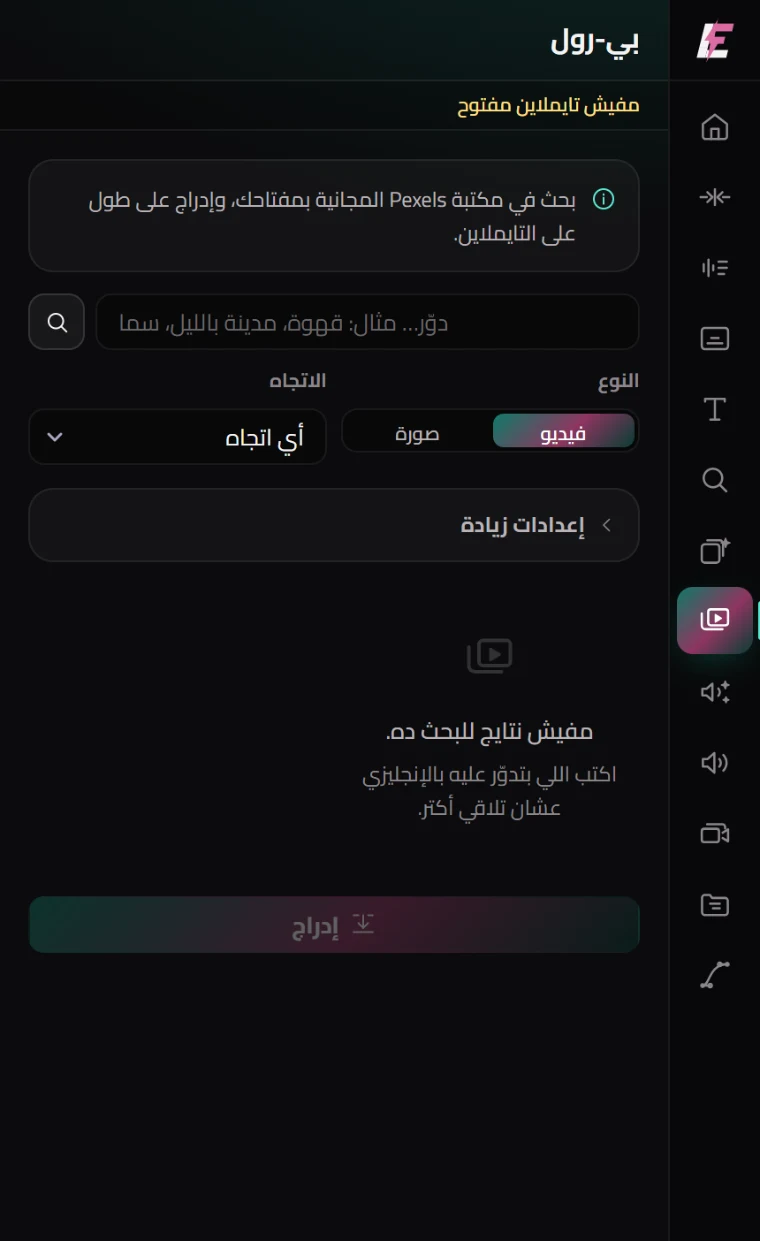
Search cutaway footage and stills and drop them straight on the timeline — without opening a browser or downloading anything.

Automatic SFX

AI

Reads the transcript, works out what is happening, and generates a fitting effect at each moment. It understands the words rather than hunting for peaks.

Sound effects

AI

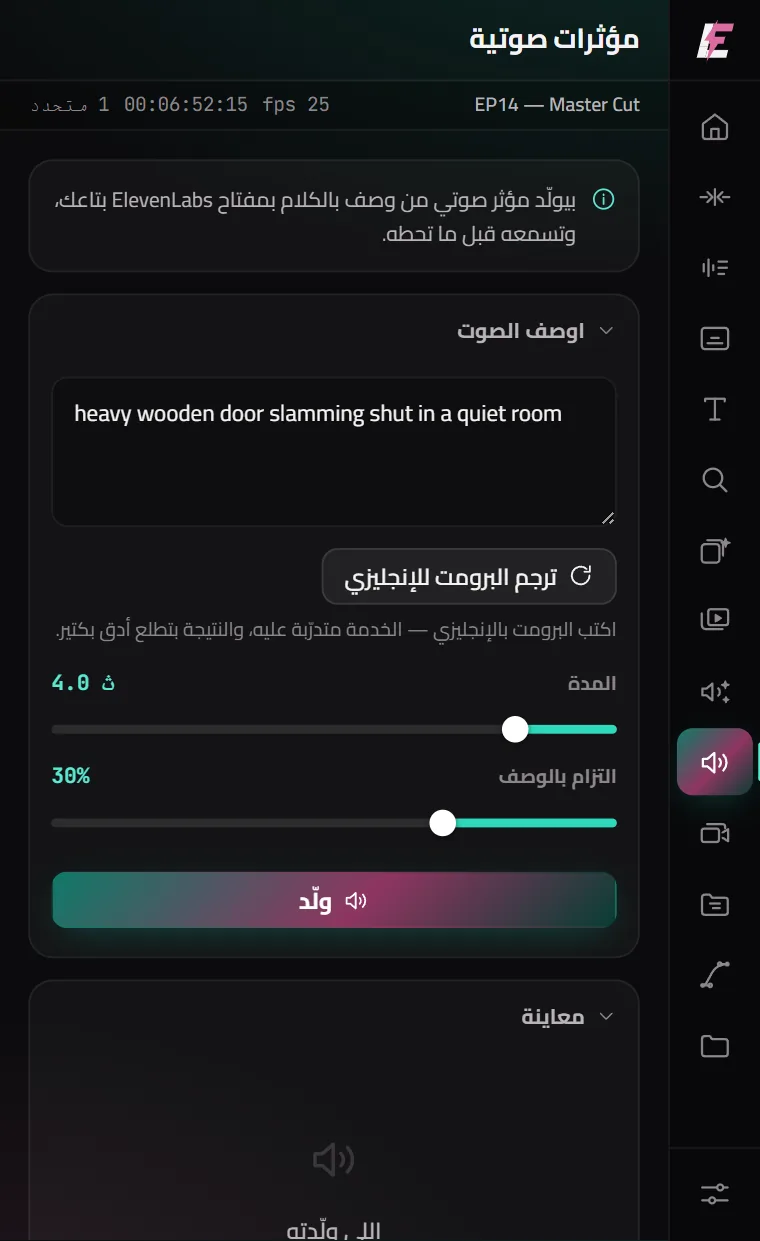
Describe the sound you want and it is generated for you — no library to hunt through. Write it in any language — one button turns it into English first, which is what gets the best result.

Multicam

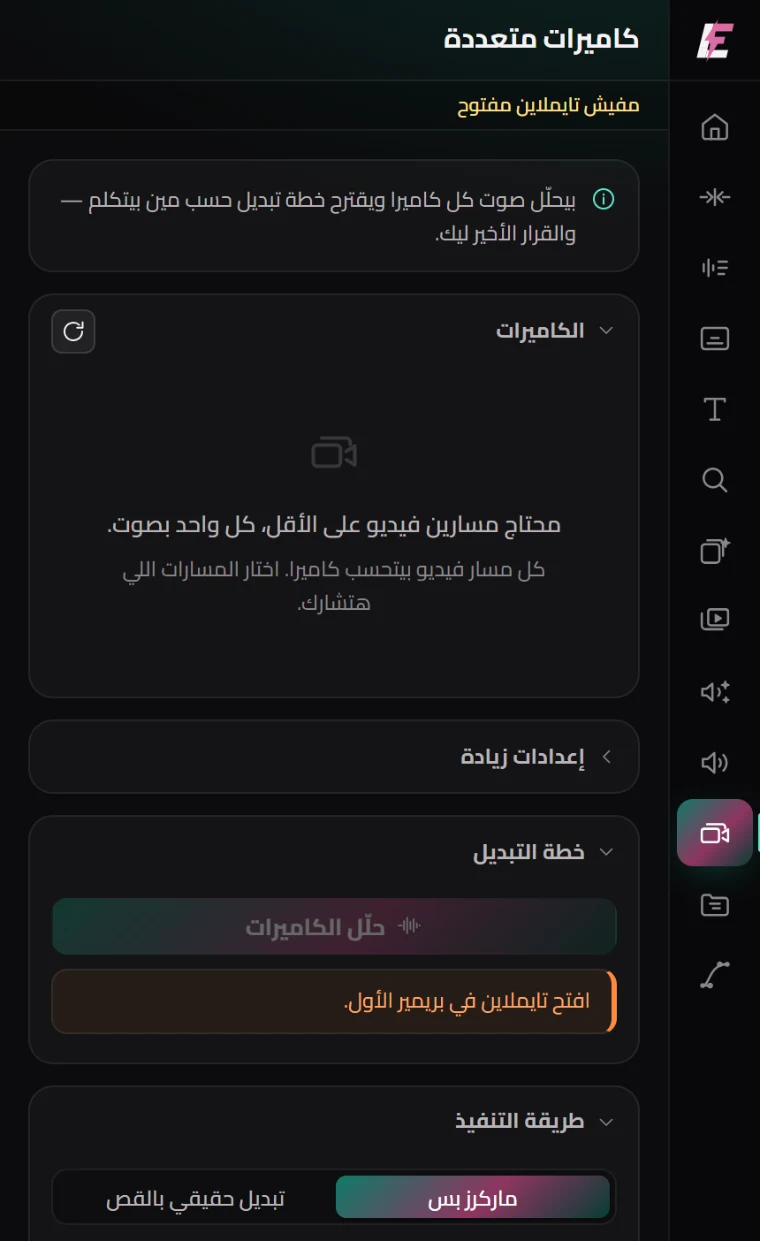
Analyses each camera’s audio to work out who is speaking and builds a switching plan — which you review before it is applied.

Project cleanup

Offline

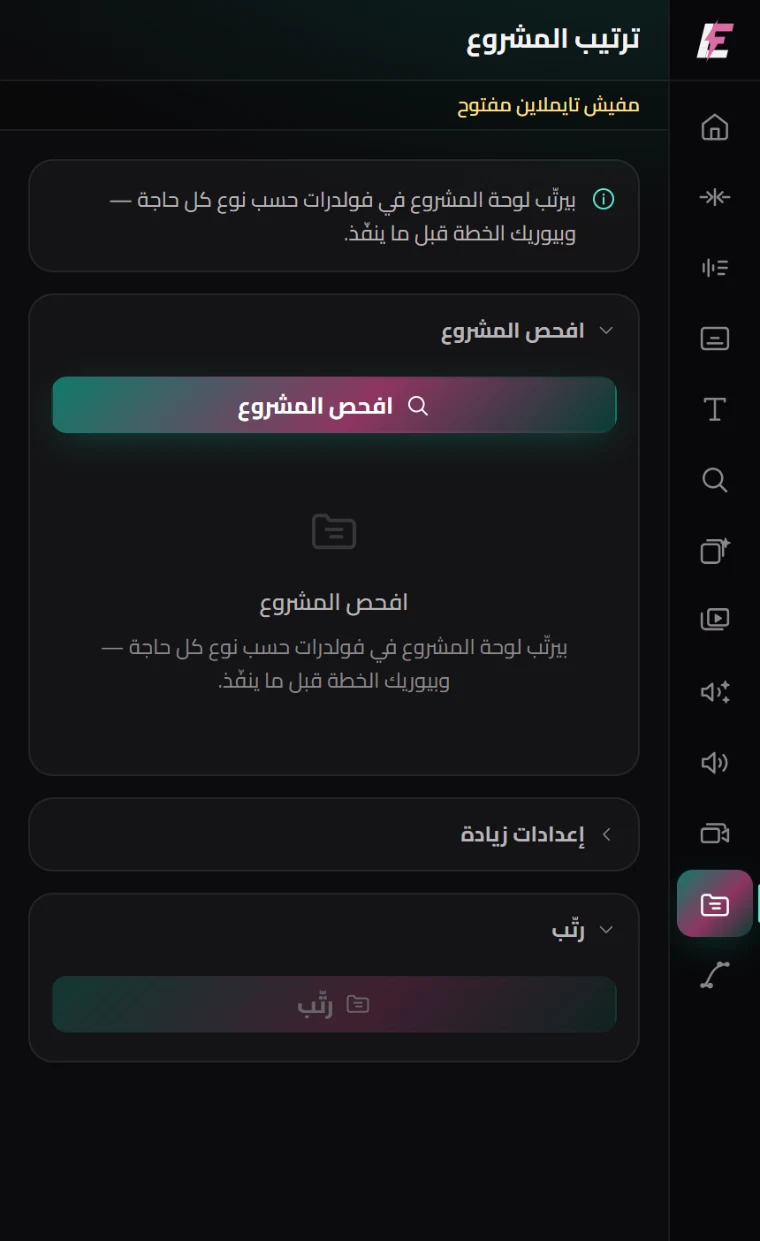
Scans the project and sorts everything into folders by type, showing you the plan before it touches anything.

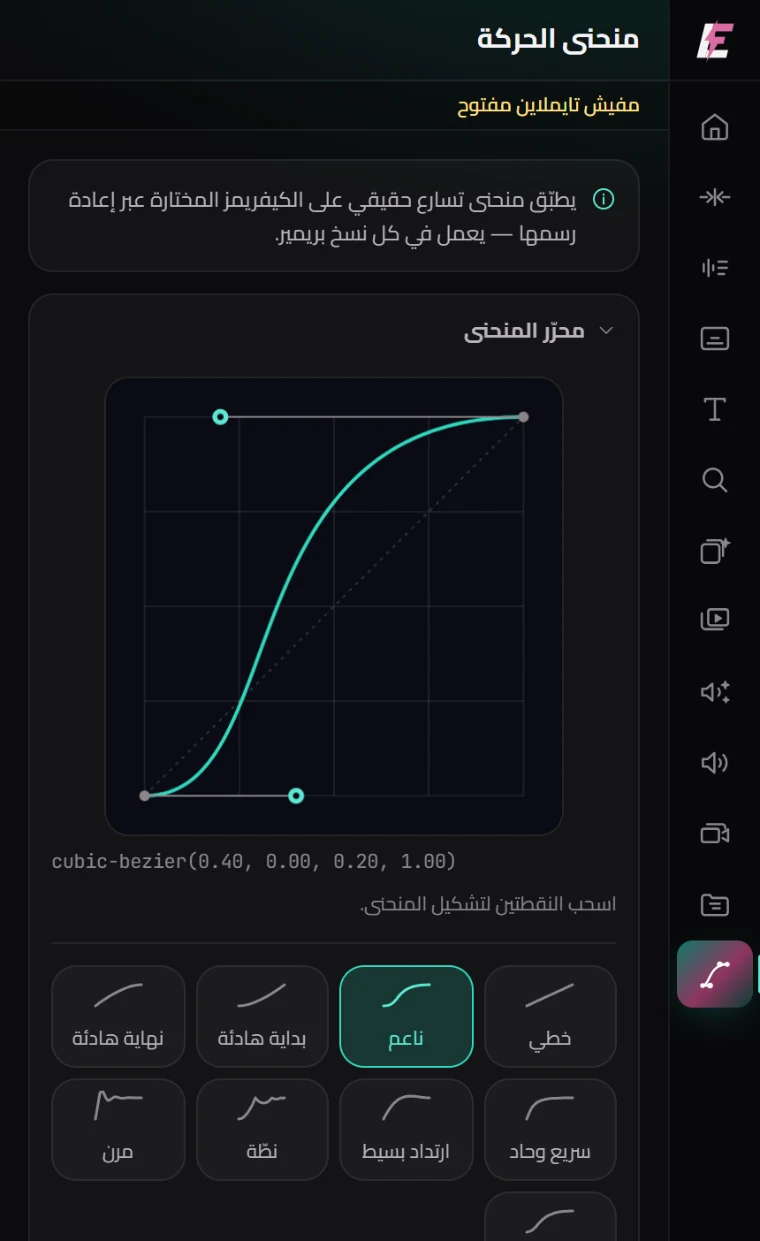
Curve editor

Reads the keyframes on a clip and shows them as a curve, so you reshape the whole move without touching them one at a time.

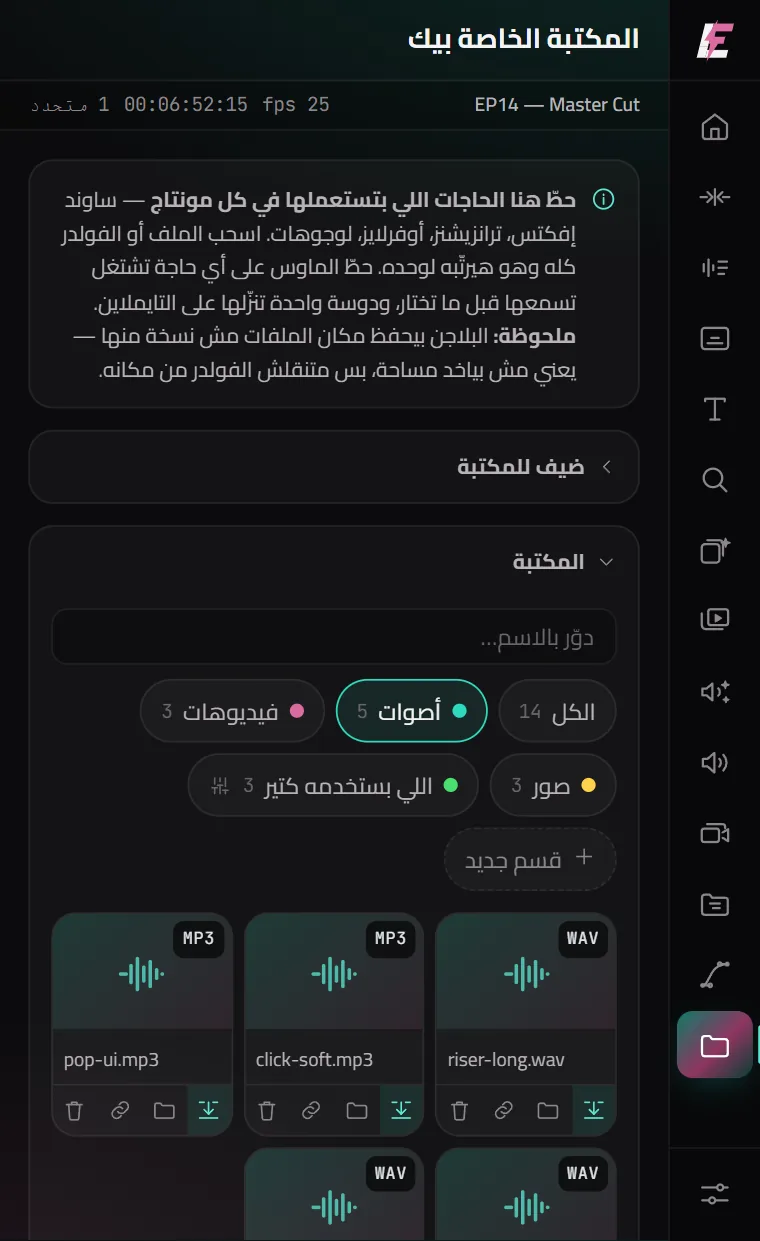
Your Library

New

Your own sound effects, transitions and overlays, in the panel. Drop a whole folder and it files itself by type. Hover anything to hear or see it, and one click drops it on the timeline.

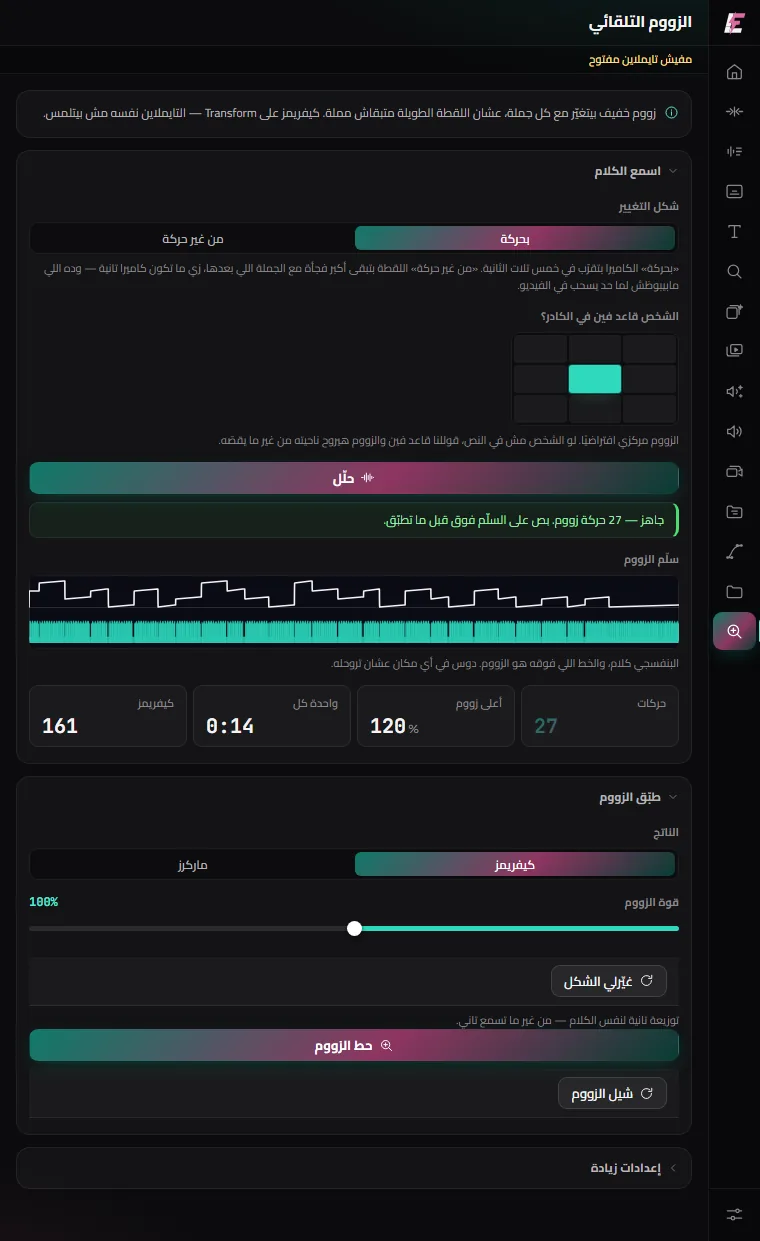
Auto zoom

New

A long talking shot stops sitting still: the size changes at each sentence, either as a gentle push or as a straight cut. Keyframes on Transform — the timeline is never touched, and one button takes it all off.

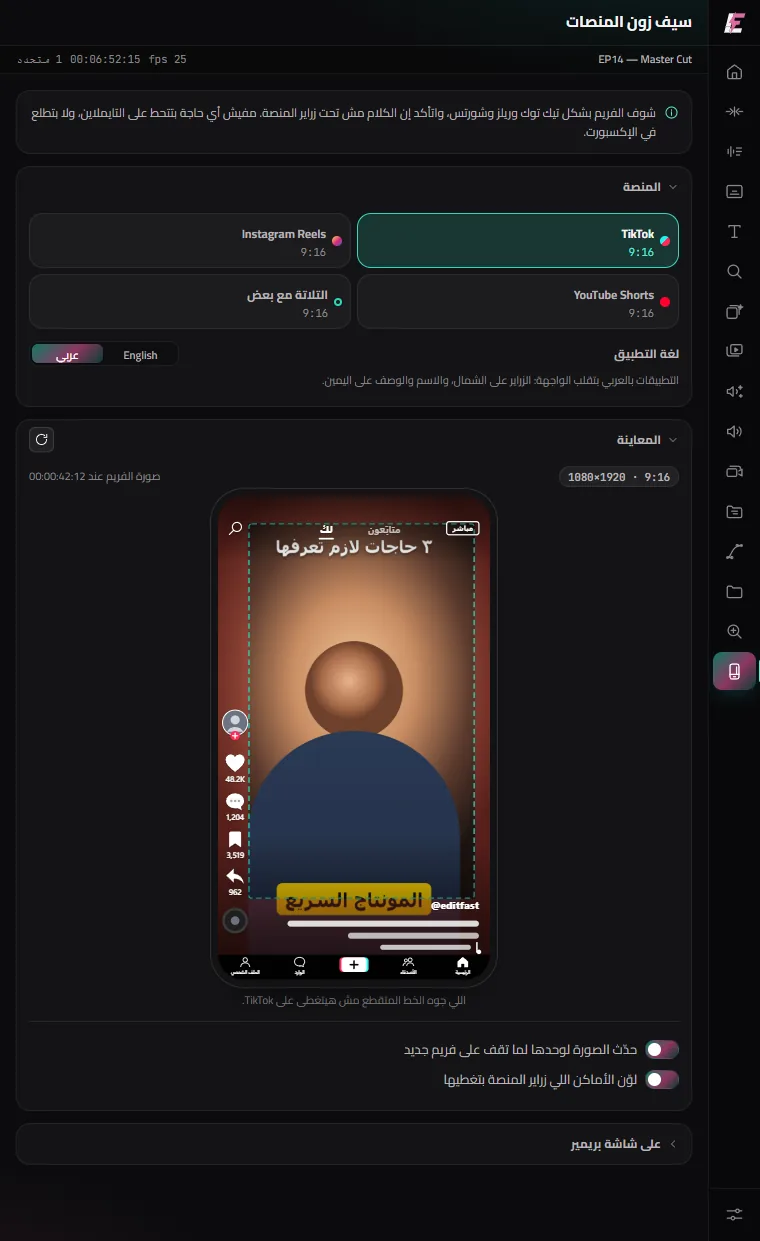
Platform safe zones

New

See your frame the way TikTok, Reels and Shorts show it, and whether the app’s buttons will cover your text — in the English or the Arabic app. No layer goes on your video, and nothing shows in the export.

In their own voice

What our customers say

Voice notes customers sent us, in Arabic, after using the plugin on their own work. Press play.

Every account here paid Recordings as they arrived — untouched
Customer #22 Verified buyer
Active subscription
0:00
Customer #55 Verified buyer
Active subscription
0:00
Customer #94 Verified buyer
Active subscription
0:00
Customer #126 Verified buyer
Active subscription
0:00
Customer #151 Verified buyer
Active subscription
0:00
Getting started

Three steps and you are working

1

Create your account

Sign up and pick a term — your subscription switches on as soon as the payment is confirmed.

2

Download and install

Unzip and double-click the installer. It puts the plugin where it belongs on its own.

3

Open it and go

In Premiere: Window → Extensions → EditFast. Sign in with the same account and start.

Pricing

One package. Just pick the term.

There is no cut-down tier and no full tier. Any term you choose unlocks all eighteen tools — the fifteen editing tools with no usage caps at all.

EditFast AI · credits

Questions about credits? Here are the answers

Credits are for editing with the AI only. Every other tool in the plugin has no limit.

Is the whole plugin on credits?
No — only editing with the AI uses credits. Every other feature has no limit.
How many credits does one video take?
It depends on what you ask and how long the video is. A 30-second video can take between 80 and 200 credits for a professional edit.
Can I top up credits on the site?
Yes — and there are offers on credits.
Do credits renew every month?
No — but every month we add more features and make it smarter.
  • All eighteen tools unlocked
  • No usage caps — no minutes, no run counts
  • Plugin updates free for as long as you subscribe
  • One device
  • Transcription, sound effects and b-roll — no keys to add
  • EditFast AI — free credits with every plan, and more whenever you like
  • Support on WhatsApp and Instagram
Questions

The ones that come up most

Premiere Pro 2022 or newer, on Windows and on Mac — Apple Silicon and Intel. Each has its own installer, with no manual steps.

An editor inside the plugin. You tell it what you want in plain words; it looks at the video and uses only what the job needs: it transcribes, cuts the repeats and silences, opens on a strong hook, builds animated scenes, drops captions and sounds on the word, and grades the colour — showing you a few looks to pick from first. It chooses the style itself, from the kind of video; if you would rather set your taste, you can, once, from the «Your taste» button. It shows you the plan before it cuts anything, and it works on a copy of the sequence, so your original stays exactly as it was.

No. Only what EditFast AI does uses credits — editing with it, the motion gallery and tuning your voice — because every request runs a large AI model; the other fifteen tools have no limit for as long as you subscribe. A 30-second video can take between 80 and 200 credits for a professional edit, depending on what you ask for. Every plan comes with free credits, and you can add a pack whenever you like — even in the same payment as the plan, with offers on the bigger packs. Credits do not renew every month, and they never expire.

No. Transcription, sound effects and b-roll run from EditFast itself — you don't open an account with any service or paste any key. If you added a key in an older version, it keeps working.

Clear speech in English and the other major languages comes back very accurately. Arabic is harder for these models, with its dialects: it comes back around 85% correct, so expect to fix a name, a term or the occasional word.

That is why captions land as an SRT you edit from the Text tab, and why spelling correction runs over the text afterwards. Read it through before you export, as you would with any transcript.

That was the starting point. You choose from seven dialects and the transcript comes back with per-word timing, which is why the captions stay accurate even split one word at a time. Spelling is corrected afterwards.

No. Projects and video stay on your machine. Transcription sends the audio only, through our server to the transcription service, and nothing is kept. When you ask EditFast AI for something, only what that request needs goes — still frames and the words, never the video file. Cutting, cleanup and motion presets run entirely on your machine.

Price and duration only. Monthly, yearly and lifetime all unlock the same eighteen tools, with no usage caps, the same updates, and one device.

You pay once and are never asked to renew. Updates reach you like any other subscriber.

If something is technically wrong, talk to us first and we will try to fix it. If we cannot, you get a refund within the first 48 hours.

Create an account, pick a term and pay by card — your subscription switches on as soon as the payment goes through. From Egypt you can also transfer by InstaPay or a mobile wallet: send the receipt on WhatsApp with your email and enter the transaction reference in your account, and it switches on once we have checked it.

Try it on a single video

You will feel the difference the first time you strip the silences and pull the captions.

Subscribe now