EditFast Ae
New · EditFast for After Effects

11 tools for faster After Effects

Captions timed to the word, text animation, effects like Glass and Neon, motion curves — and EditFast AI building the animation from what you write. All from one panel inside After Effects, made with After Effects’ own effects.

Windows and Mac After Effects 2024 and newer No paid plugins needed
Comp 1 — Reel 01 1280×720 · 30 fps Ae
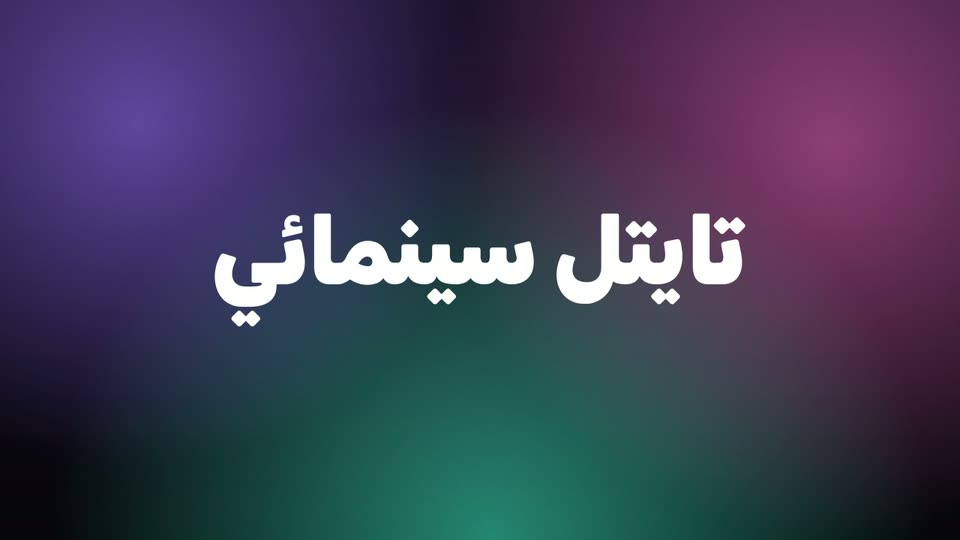
A title blurring in over a glass card inside After Effects
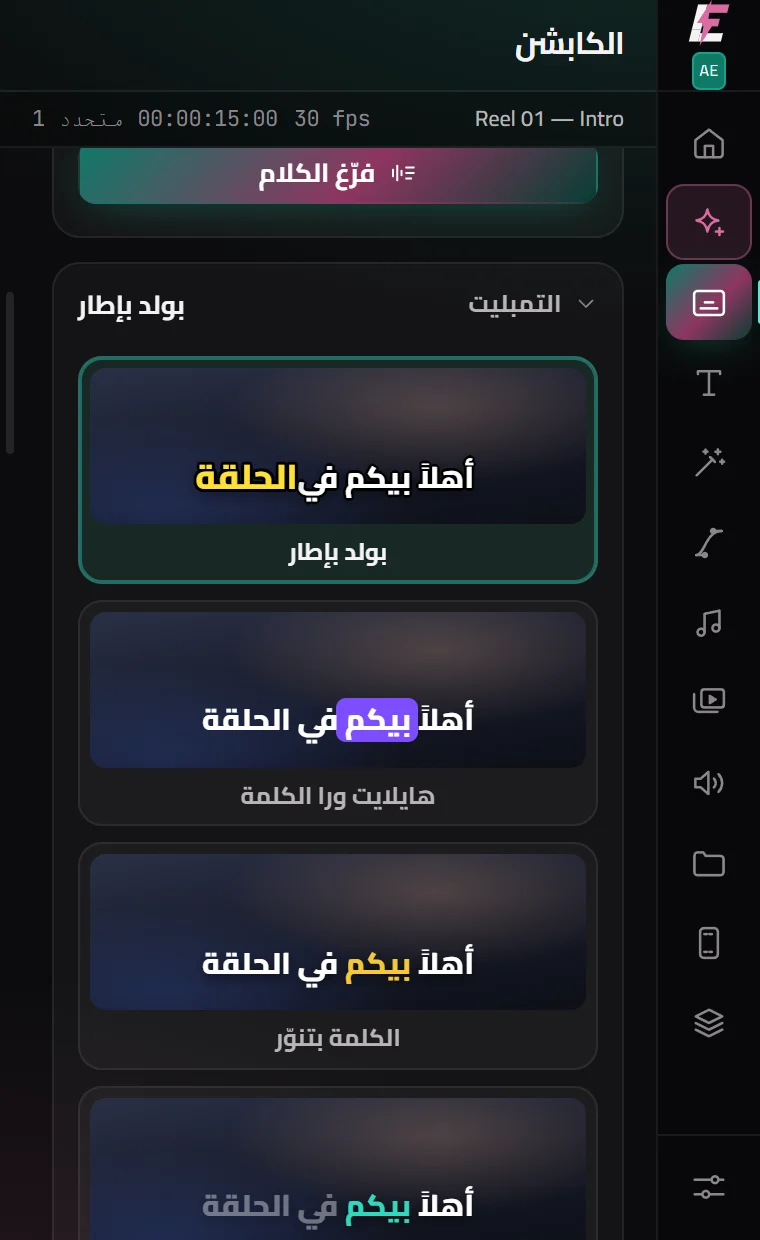
The captions panel in EditFast for After Effects
0caption templates
0text animations
0effects & transitions
0motion curves
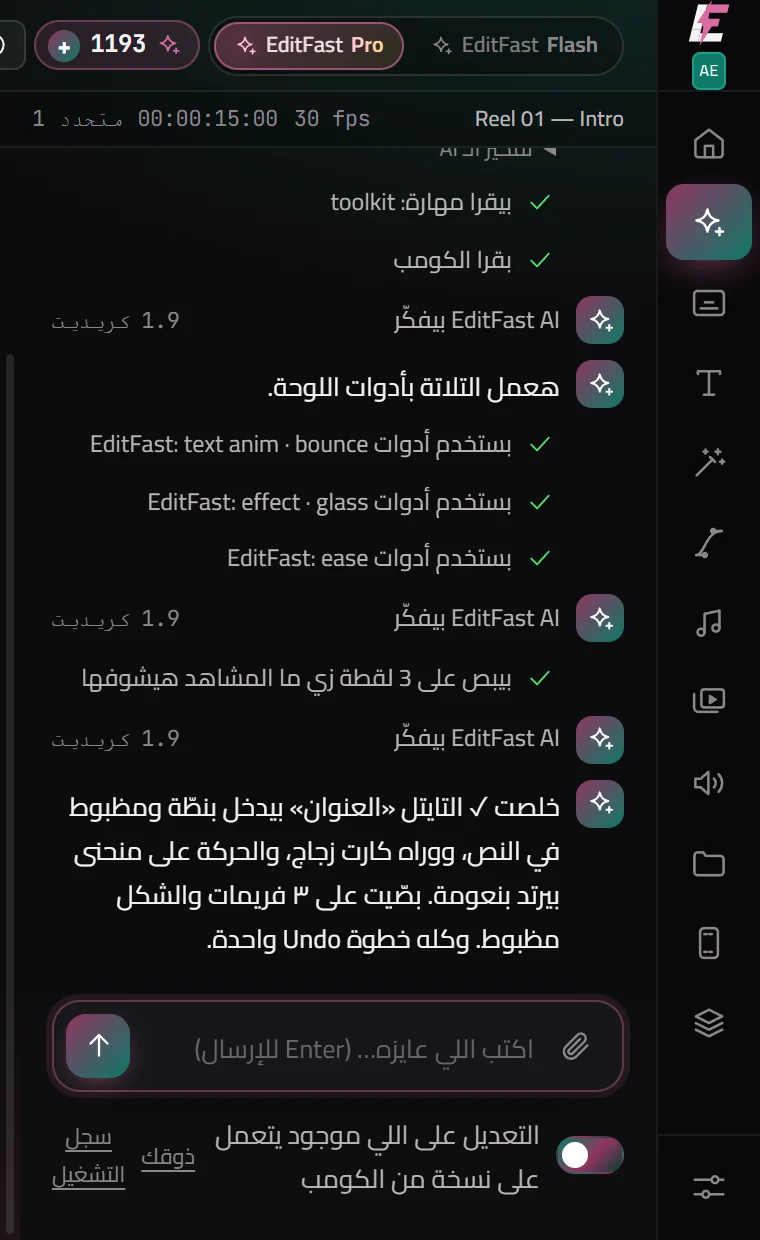
The heart of it EditFast AI inside After Effects

Ask for the graphic — then change it until it is exactly what you had in mind

It builds the title, the animation, the effects and the captions in your comp. Then say «make it gold», «bigger», «bounce in», «glass behind it» — and it changes the same graphic in front of you and looks at the result. When it is done, it is all ordinary layers and keyframes you can change by hand.

  • Animation from a sentence
  • Change anything by talking
  • Expressions without errors
  • Captions
  • Looks at the comp and fixes
  • It changes what it madeIt reads the comp and changes what you named — it does not throw the work away and start again.
  • It looks at the resultAfter a change it looks at frames of the comp itself, and fixes what is off before it says it is done.
  • It is yours to changeOrdinary layers, keyframes and After Effects’ own effects — change anything by hand. And Ctrl+Z takes back only the last request.
Comes with your plan Every plan comes with free credits — yearly 600
The tools

The work you repeat in every comp, done in one click

In the same order as the panel. Every one of them is also a tool EditFast AI can use.

EditFast AI

AI

An animator inside the panel. Tell it what you want; it reads the comp — layers, effects, keyframes and expression errors — builds with the panel’s tested tools, writes a script or an expression when it has to, and looks at the frames to check its own work. Anything it changes is one undo step.
Captions

AI

Transcribes English or Arabic with a timing for every word, then lays real text layers — right to left for Arabic — in 16 templates with hover previews, one control null for size, colour and position, a button that strips punctuation, and SRT out.

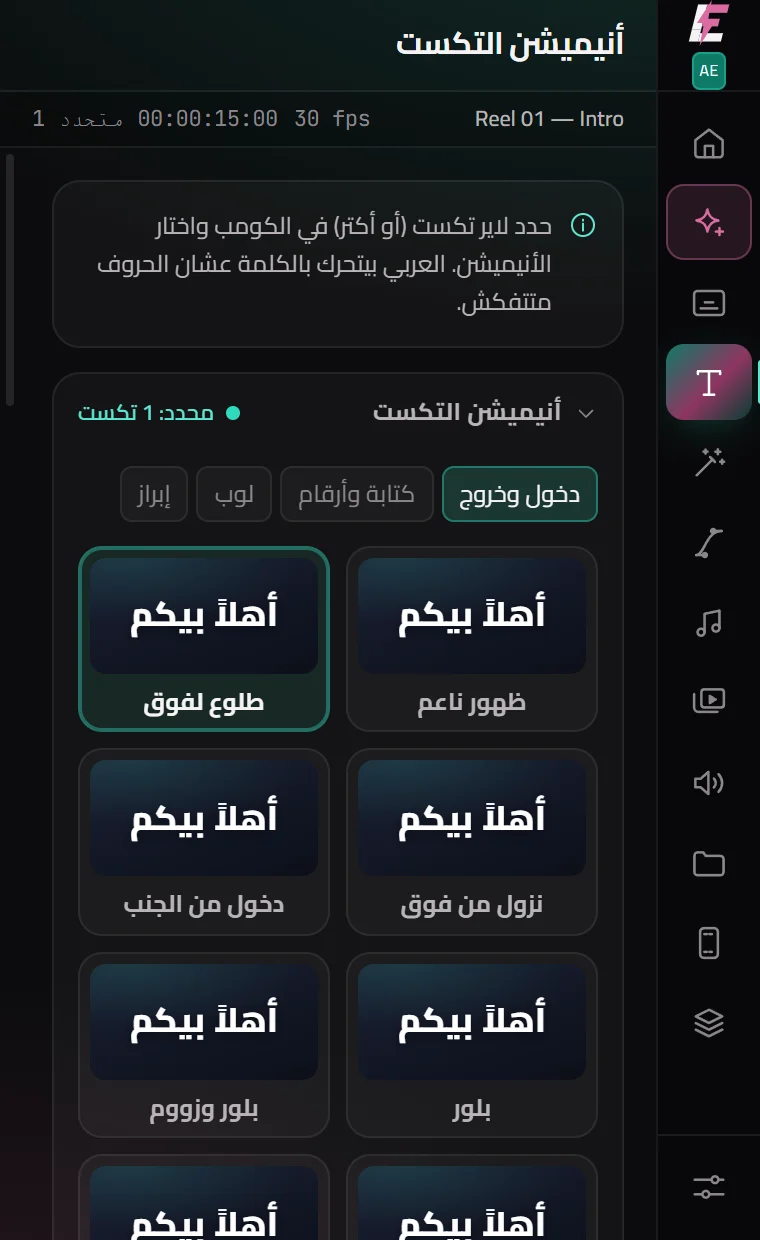
Text animation

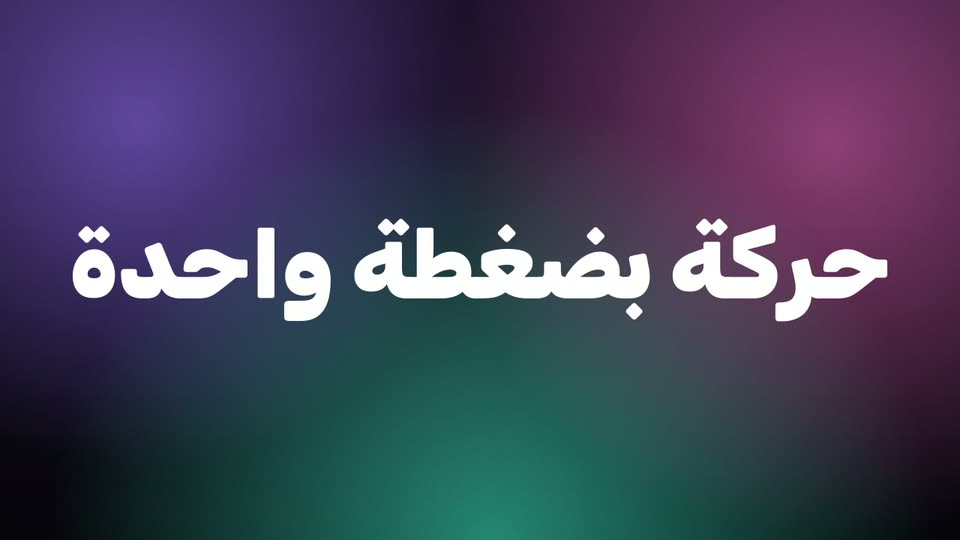
26 presets — pop, bounce, blur, 3D flip, typewriter, scramble, number counter, highlighter — in, out or looping. Arabic moves by the word, so letters never come apart. Each one runs on sliders you can change afterwards.

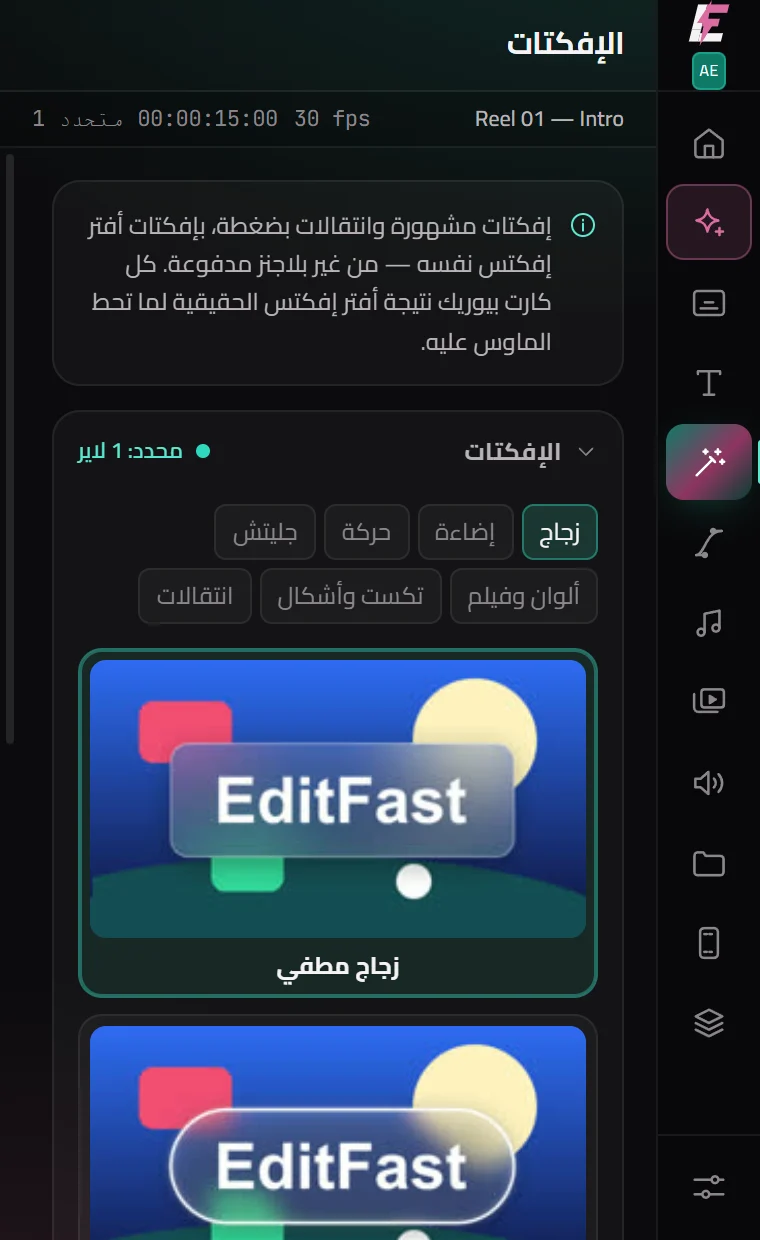
Effects & transitions

New

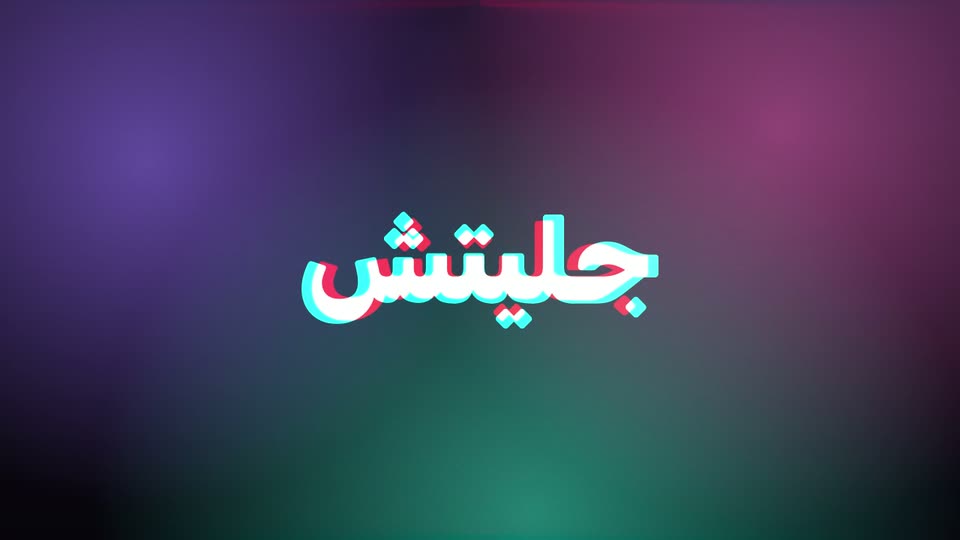
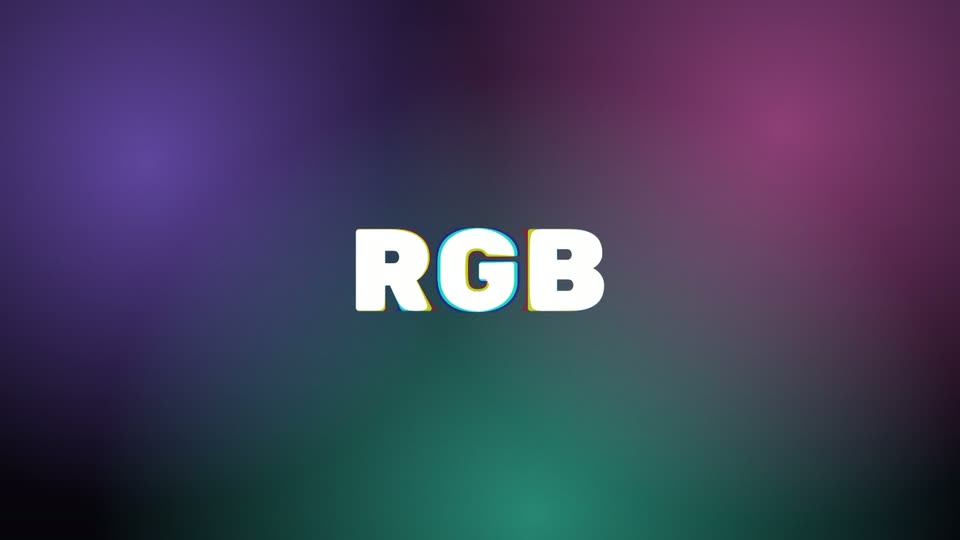
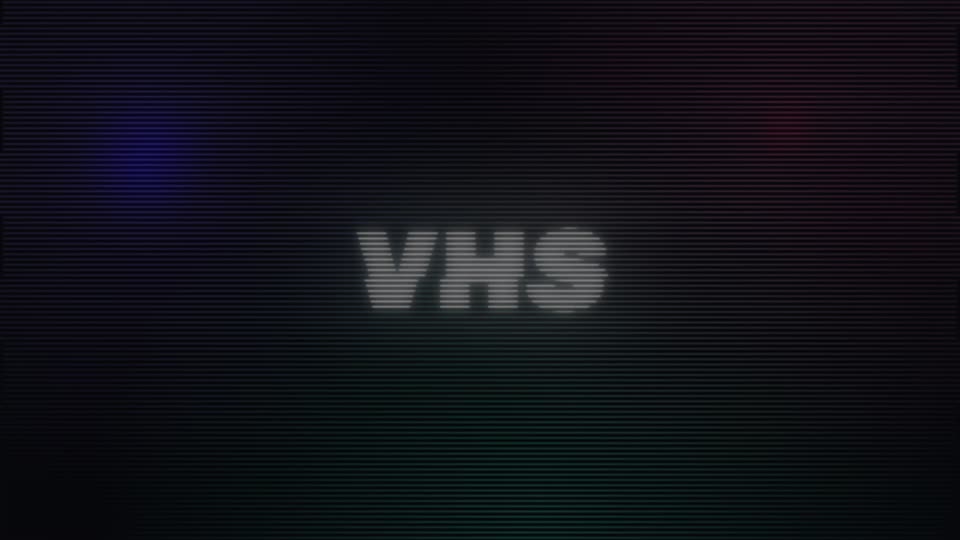
29 looks and 8 transitions: Glass and Liquid Glass, glow, neon, light sweep, camera shake, glitch, RGB split, VHS, film look, light leaks. Built from After Effects’ own effects, each with sliders — the card previews are frames After Effects rendered.

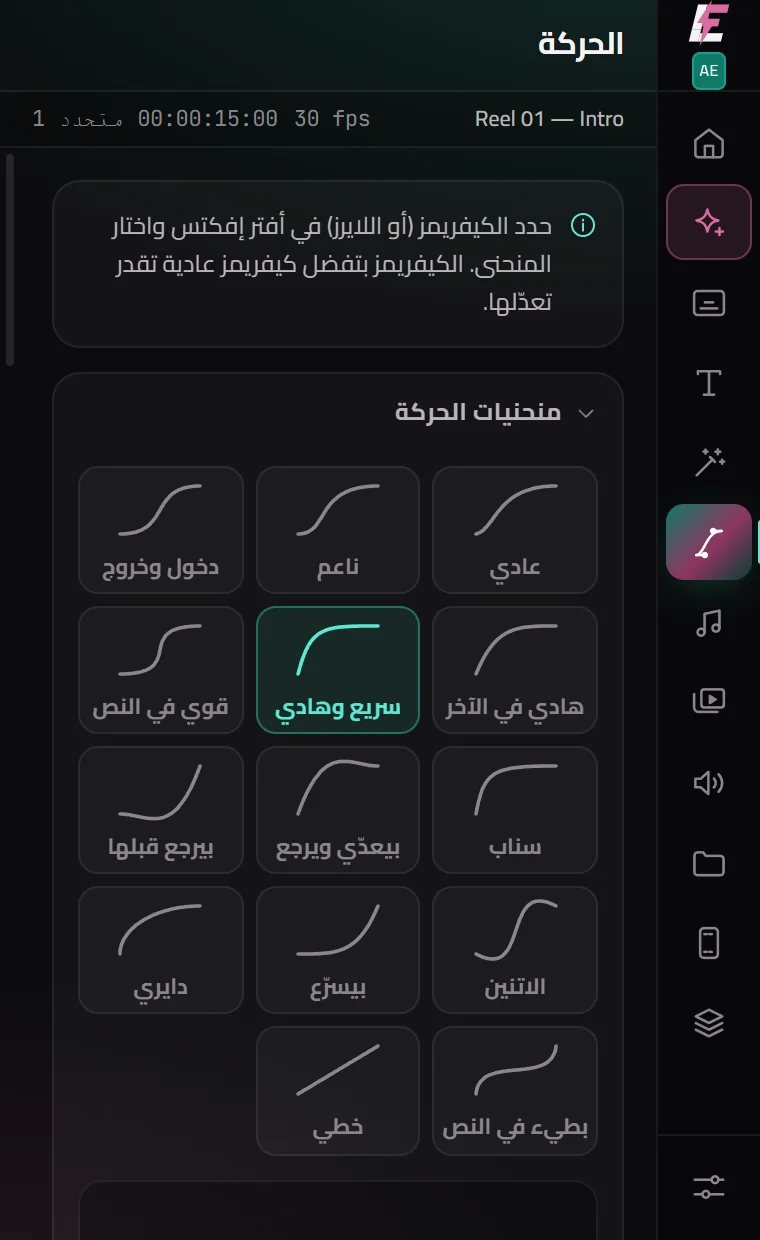
Motion

A curve editor like Flow — 14 curves and handles you drag — written onto your keyframes as real bezier. Plus anchor point in nine places without the layer moving, align and distribute, a control null, stagger, fade, split at the playhead, smart precompose and ten ready expressions.

On the beat

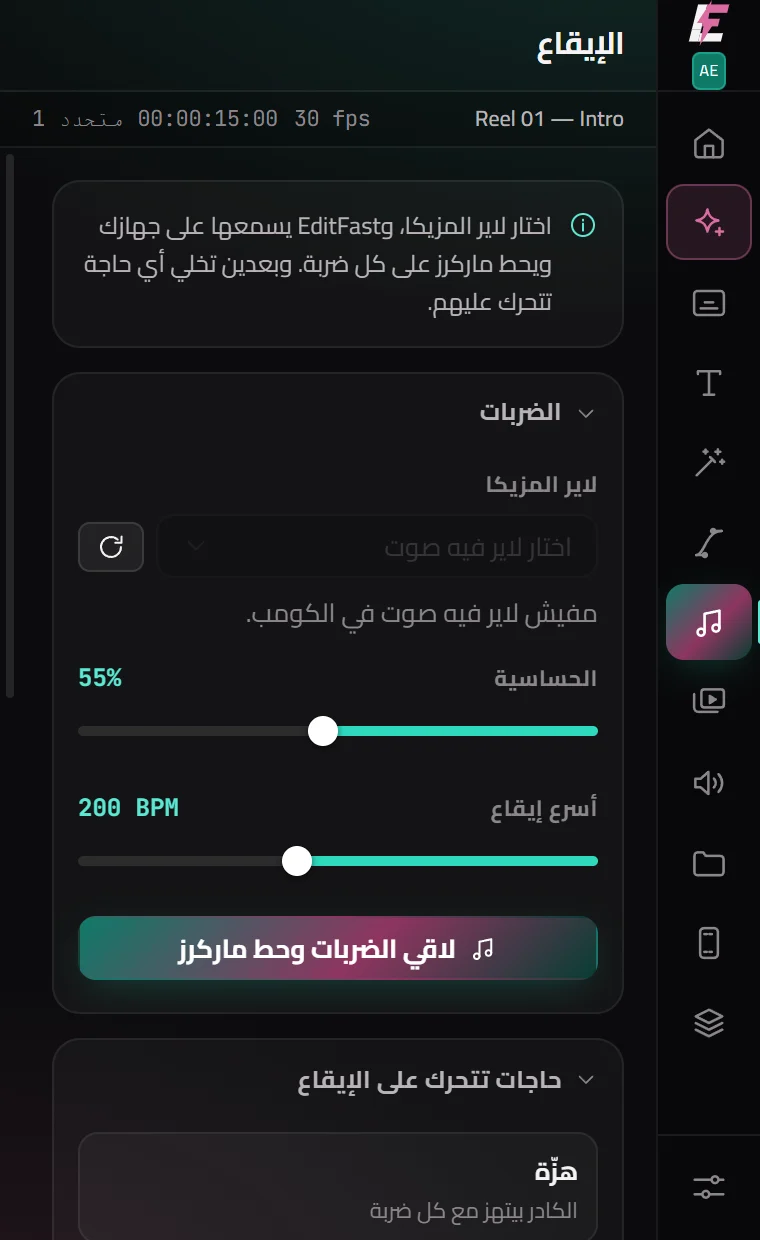
Listens to the music on your machine and drops a marker on every beat — then, in one click, a shake, zoom, flash, glow or RGB hit on each one, or your stills cut to the beat.

Social formats

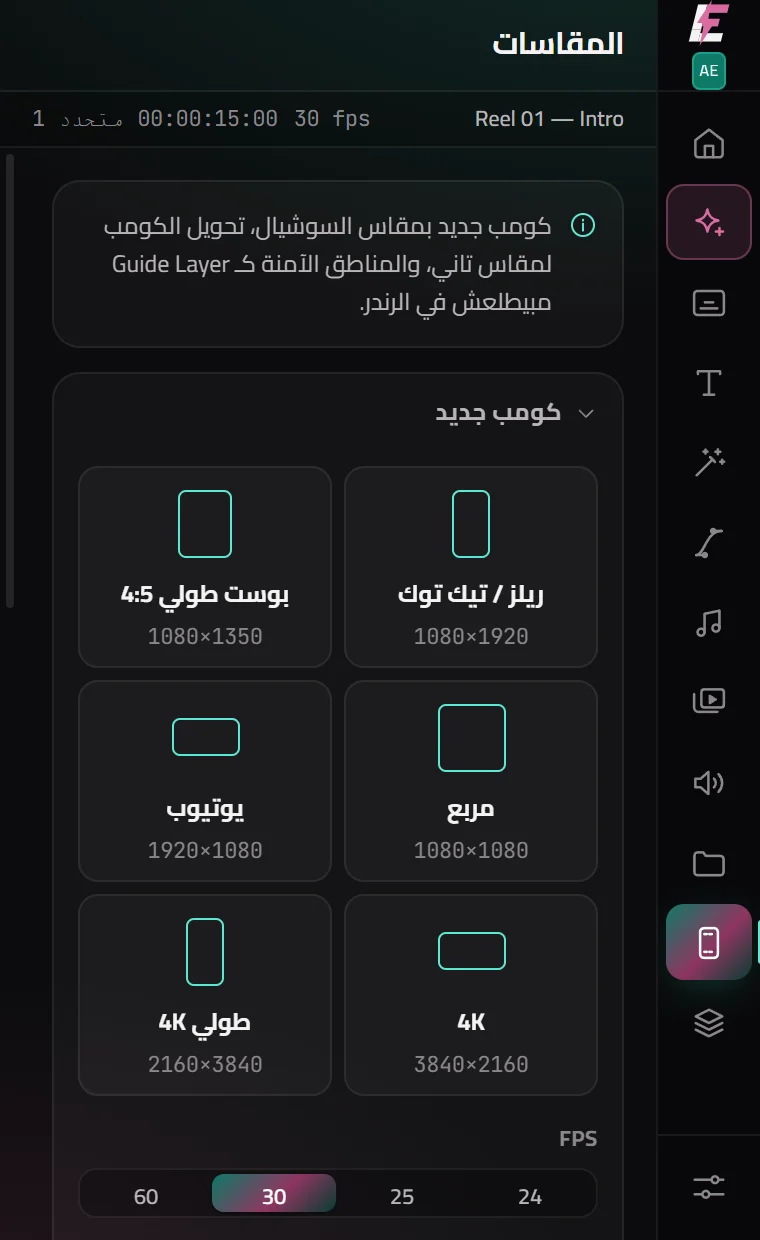
A new comp for Reels, Shorts, TikTok or YouTube in one click; any comp turned vertical with a blurred fill behind; and safe zones as a guide layer — you see them while you work and they never render.

B-Roll, sound effects & your library

Stock footage and stills, sound effects you describe, and your own folders — each lands in the comp at the playhead, scaled to fill. The library is shared with the Premiere panel.

Project & render

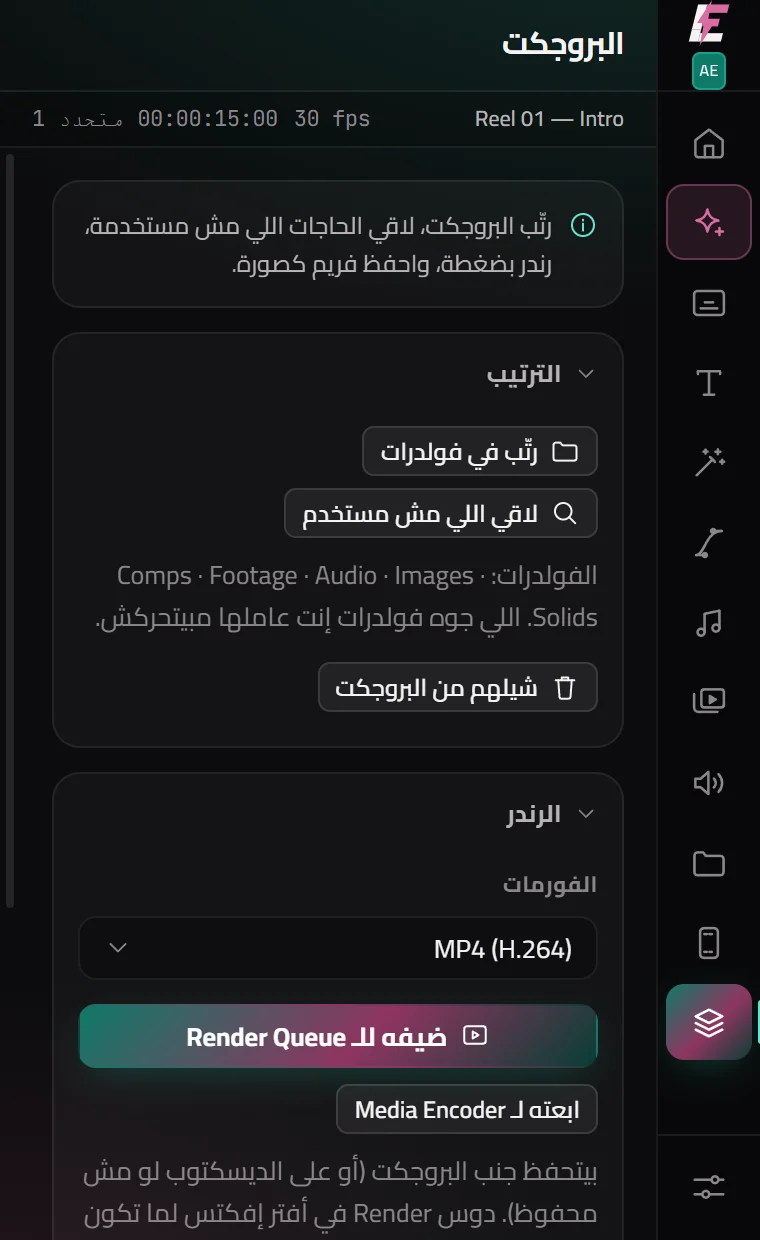
Sorts the project into folders by type, lists what nothing uses (and removes it only if you say so), renders H.264 or ProRes in one click or sends to Media Encoder, and saves the frame as a PNG.

Captions

16 caption templates, timed to the word

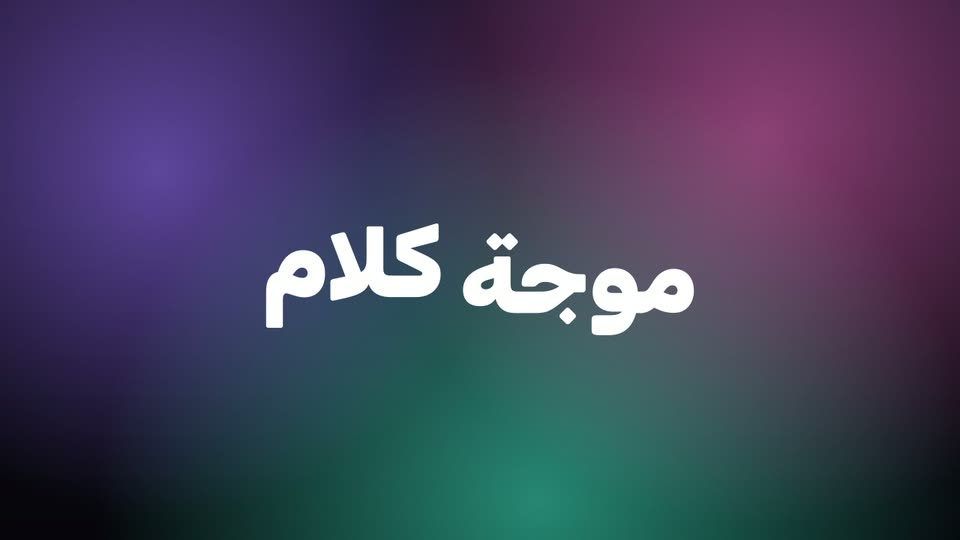
Rendered by After Effects from the panel’s own templates, every word on its time — and Arabic right to left, its letters joined. Hover a template in the panel and it moves with your own words.

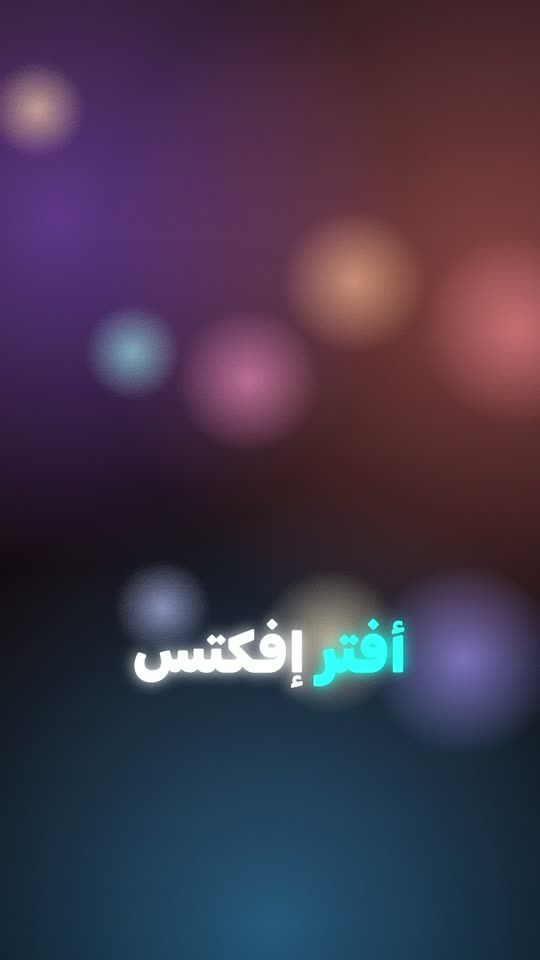
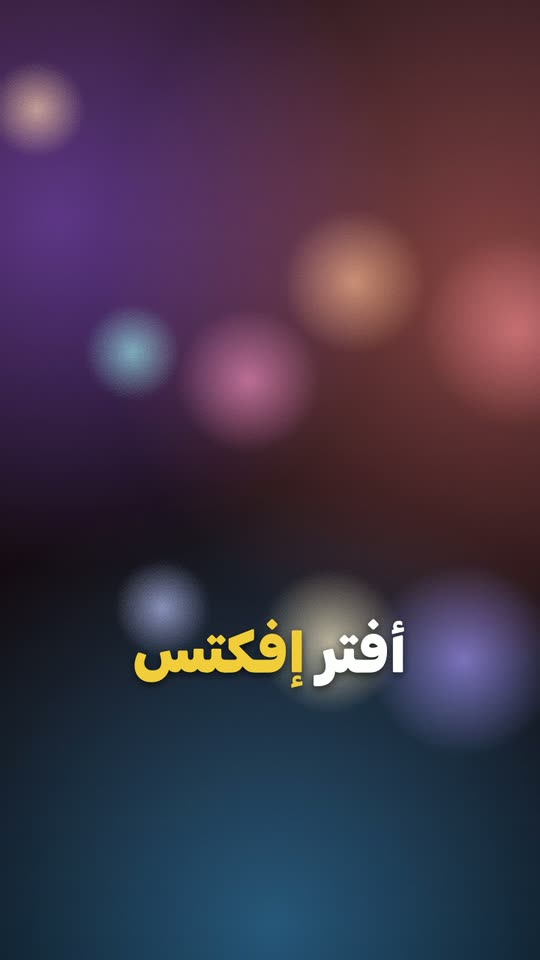
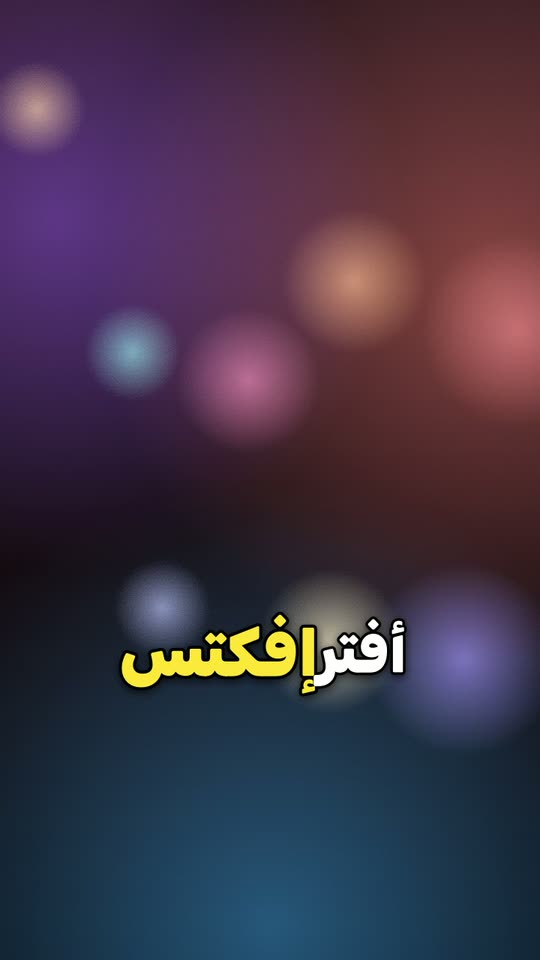
Bold captions, the spoken word lit in yellow
Boldthe spoken word grows and lights up
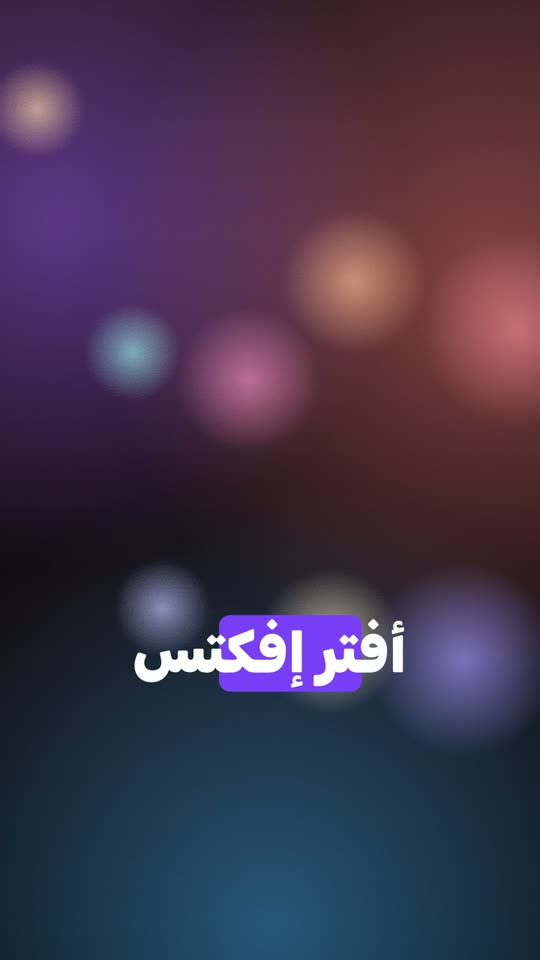
Highlight captions, a box sliding behind the word
Highlighta box slides behind the word
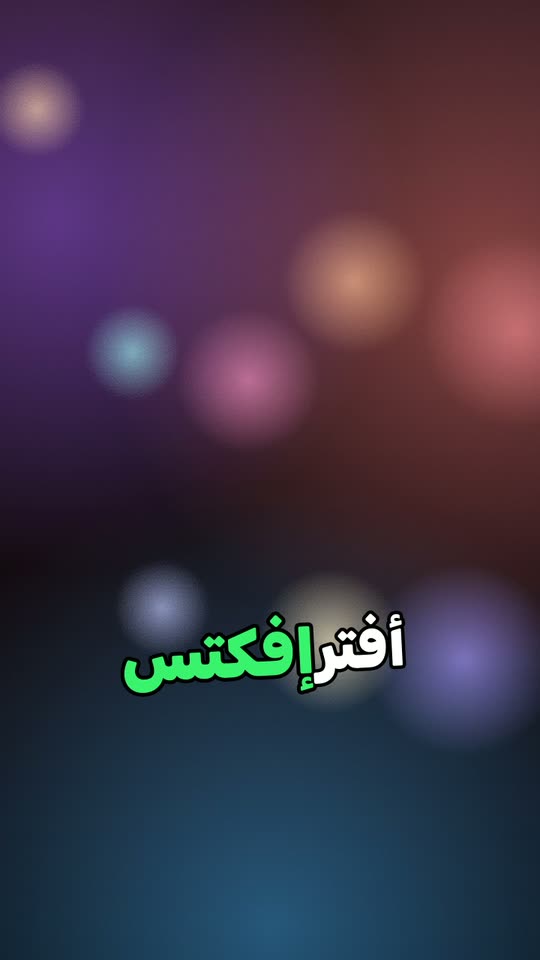
Beast-style captions, a green word growing
Beastgreen and growing
Neon captions
Neonglows and flickers in
Karaoke captions
Karaokecolour follows the voice
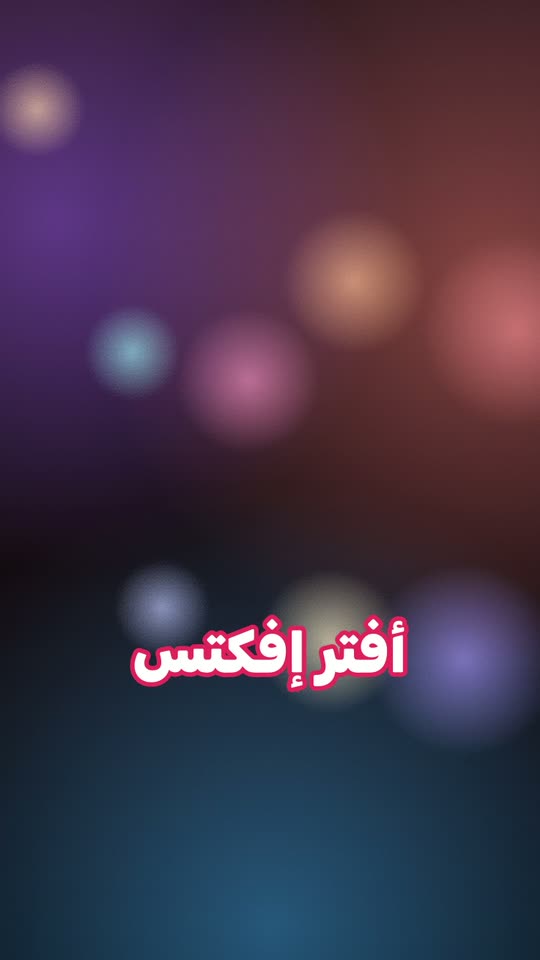
Sticker captions
Stickerthick coloured outline
+10 more templates Strip punctuation in one click One null controls them all Every word on its time SRT export
Text animation

26 text animations, in, out or looping

Select a text layer, pick one. Each is built on a text animator with sliders, so the timing stays yours to change.

Popin & out
Blur zoomin & out
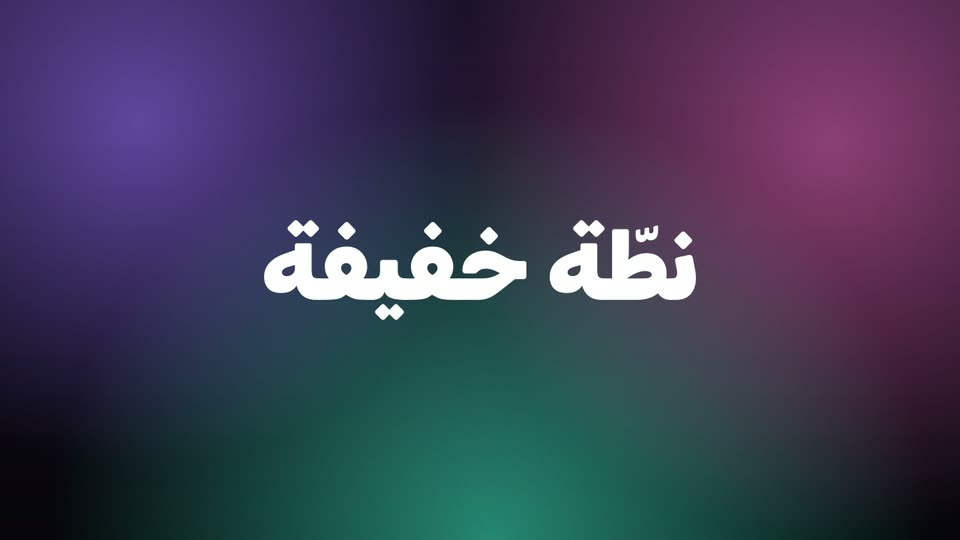
TypewriterArabic stays joined
Highlightermarker behind the words
Counterkeeps Arabic digits
Glitchloops
Bounceovershoot
Waveloops
Effects

29 looks and 8 transitions — from After Effects’ own effects

Glass, Liquid Glass, Neon, Glitch, VHS, a film look… one click each, with sliders to tune it. No paid plugins, so they open on any machine with After Effects.

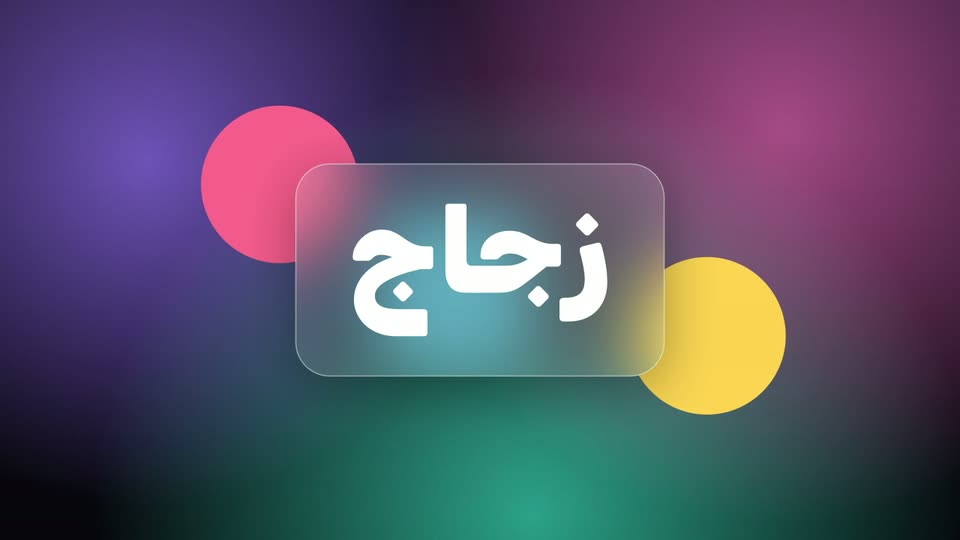
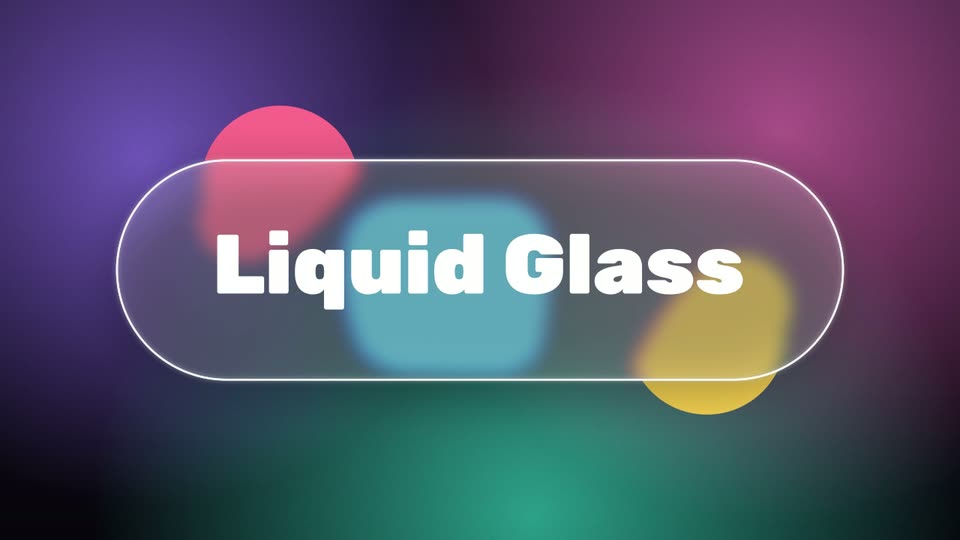
The frosted glass effect in After Effects
Frosted glassbuilt from real layers you can edit
Liquid glass
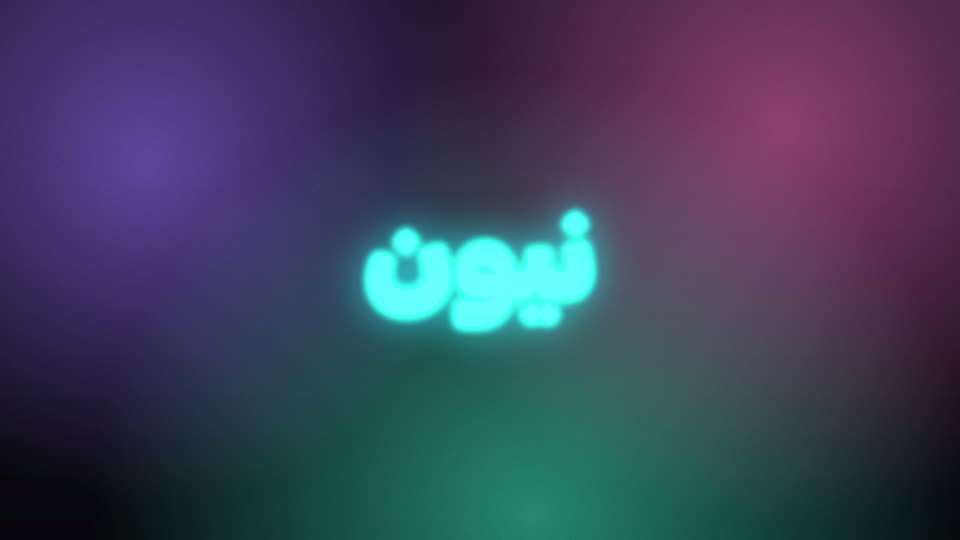
Neon
Light sweep
Glitch
RGB split
VHS
Glow
Film look

Transitions, centred on the cut

Zoom
Whip
Spin
Glitch
Flash
Slide

The whole library, as the panel shows it

Glass
Liquid glass
Glow
Neon
Light sweep
Bloom
Light leak
Light streaks
Camera shake
Zoom pulse
Motion blur
Flicker
Glitch
RGB split
VHS
Bad TV
Old TV
Film look
Duotone
Vignette
Grain vignette
Sepia
Gold
Infrared
Night vision
Gradient fill
Long shadow
Soft shadow
Cinema bars
Zoom transition
Spin transition
Slide transition
Whip transition
Blur transition
Flash transition
Dip transition
Glitch transition
Getting started

Three steps and you are working

1

Create your account

Sign up and pick a term — the same account works for the Premiere plugin too.

2

Download and install

Unzip and double-click the installer. It puts the panel where After Effects looks for it.

3

Open it and go

In After Effects: Window → Extensions → EditFast AE. Sign in with the same account and start.

Pricing

One package. Just pick the term.

Any term unlocks every tool in the panel — the editing tools with no usage caps at all, and EditFast AI with free credits on every plan.

  • All eleven tools unlocked
  • 16 caption templates, 26 text animations, 29 effects and 8 transitions
  • No usage caps — no minutes, no run counts
  • Plugin updates free for as long as you subscribe
  • One device
  • EditFast AI — free credits with every plan, and more whenever you like
  • Support on WhatsApp and Instagram
PrAe Want Premiere too? The full package: both plugins, more credits −20%
Questions

The ones that come up most

After Effects 2024 or newer, on Windows and on Mac. From 2024 a script can set the direction and the text engine of a layer, which is what makes Arabic captions and titles come out right without fixing them by hand.

Yes. Text goes in right to left on the engine that joins the letters, Arabic animates by the word — never by the letter, so it never comes apart — the counter keeps Arabic digits, and the highlight box sits exactly behind Arabic words.

No. Every effect is built from After Effects’ own effects, so a project opens on any machine that has After Effects — yours or a client’s.

You write what you want in plain words. It reads your comp, uses the panel’s tested tools — captions, text animation, effects, motion — writes a script or an expression when it has to, then looks at frames of the result and fixes what is off. Anything it changes is one undo step, and changes to what already exists wait for your OK.

No. The plugin itself has no limit: every tool stays open for as long as you subscribe. Credits are for EditFast AI only, because every request runs a large AI model. Every plan comes with free credits, any subscriber can add a pack whenever they like, and credits never expire.

Each plugin has its own subscription, on the same account. If you want both, the full package costs 20% less than the two together and comes with more EditFast AI credits.

No. Projects and footage stay on your machine. Transcription sends the audio only, through our server to the transcription service, and nothing is kept — no key needed from you. EditFast AI sees the frames it asks to look at, nothing else.

If something is technically wrong, talk to us first and we will try to fix it. If we cannot, you get a refund within the first 48 hours.

By card, and it switches on at once. From Egypt you can also transfer by InstaPay or a mobile wallet and enter the transaction reference; it switches on as soon as we have checked it.

Your first captions, in a minute

Transcribe, pick a template, and it is in your comp — every word on its time.

Subscribe now